
Blackmagic Design DaVinci Resolve Replay Editor
2,020.00 Excl. VAT
- Switch from Input View to Playback Media
- Review Other Camera Angles
- Point-of-Interest Button
- Upload to Social Media
Available on backorder
DaVinci Resolve Replay Editor
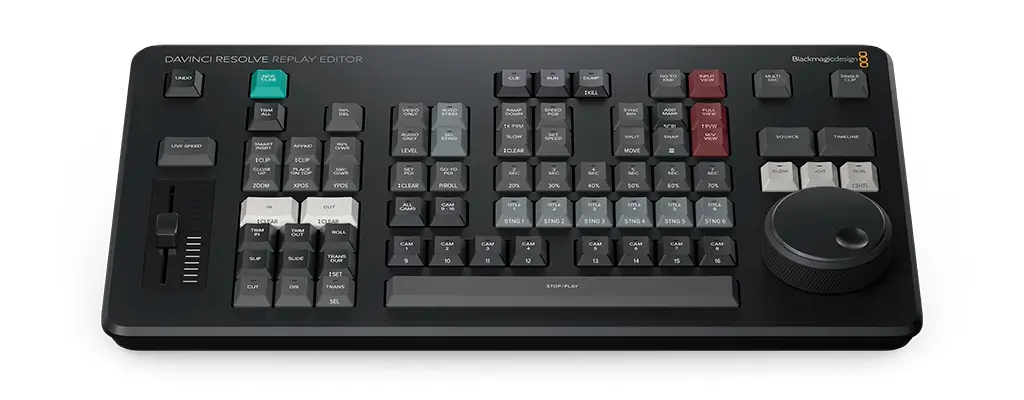
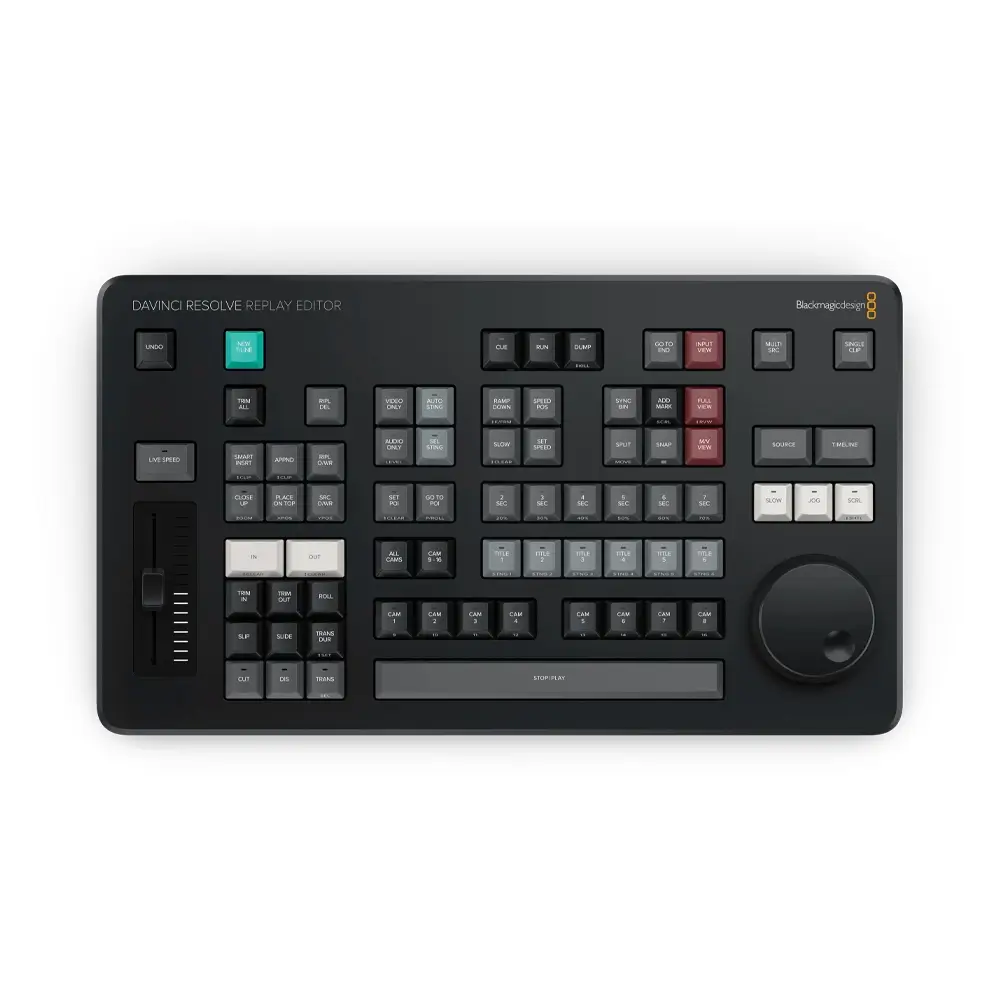
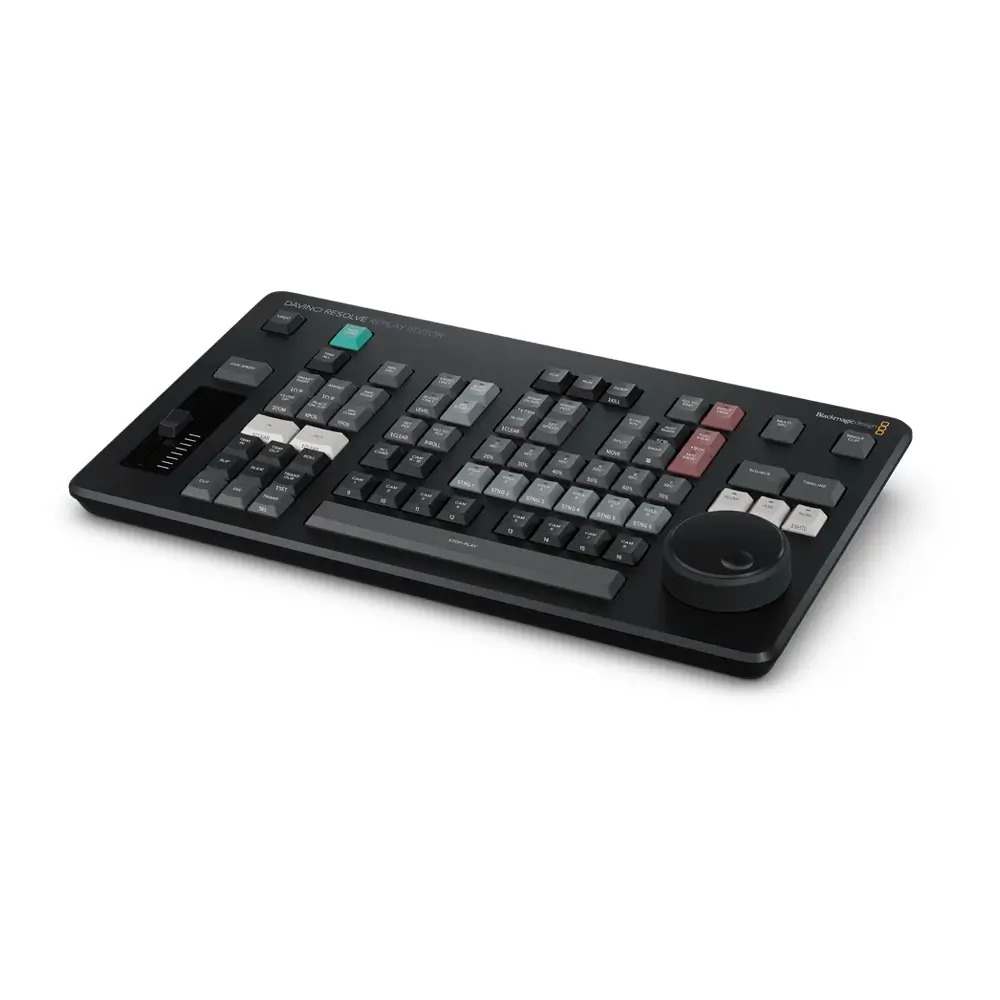
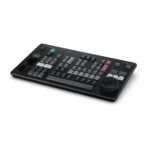
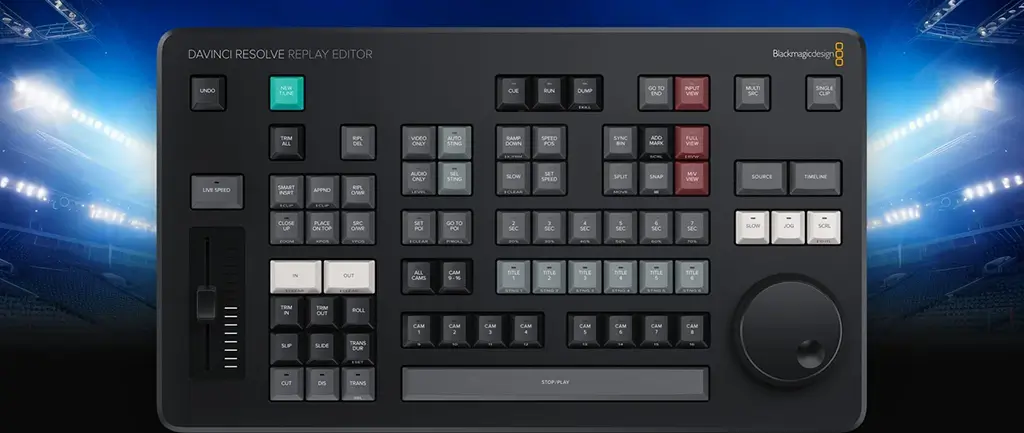
Editor panel specifically designed for multi-cam editing for news cutting and live sports replay. Includes buttons to make camera selection and editing extremely fast! Connects via Bluetooth or USB‑C.
The Blackmagic Design DaVinci Resolve Replay Editor offers a powerful combination of replay and multicam editing features in a single, user-friendly hardware control panel, ideal for live sports broadcasts and news-cutting environments. Designed for efficiency, this panel boasts intuitive controls and advanced functionality to enhance your production workflow.
Multi-Input Management
Switch between multiple camera feeds effortlessly using designated keys. The panel allows for seamless transitions and live editing, ensuring you capture every critical moment of the action.
Point-of-Interest (POI) Marking
Instantly set a POI during live broadcasts by pressing the POI button or the space bar, marking the event from the input timecode and cuing it for replay.
Live Input View
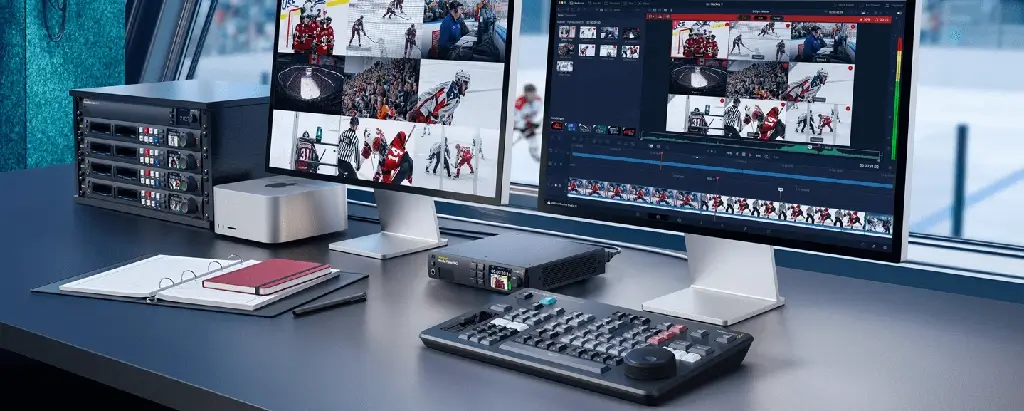
The panel enables direct input switching from video hardware such as switcher multiview, allowing for real-time viewing and editing.
Find the Best Angle
With the ability to play all camera angles simultaneously into a multiview, DaVinci Resolve’s multicam functionality helps you select the best angle for your replay.
Auto Stinger Integration
Automatically roll a stinger before or after a replay using the auto stinger feature, providing a smooth and professional transition between shots. Multiple stingers can be selected via the title keys.
Transition Controls
With cut and dissolve buttons, users can apply transitions as they switch between camera angles, adding dynamic visual flow to live broadcasts.
Start Replay
The run button kicks off a replay, activating the key channel output for playback and enabling auto stinger functionality. It also starts the logging process when the replay is added to the timeline.
Speed Control
Adjust playback speed on-the-fly using the slider control. Slow down to capture critical moments or pause and scroll through the timeline using the search dial.
Camera Switching
Quickly cut between up to 16 camera sources while maintaining a multiview display on the viewer, ensuring precision and control during live productions.
Efficient Timelines
The new timeline key simplifies workflow management by saving the current timeline and opening a new one with a similar name for each replay clip, ensuring smooth transitions between segments.
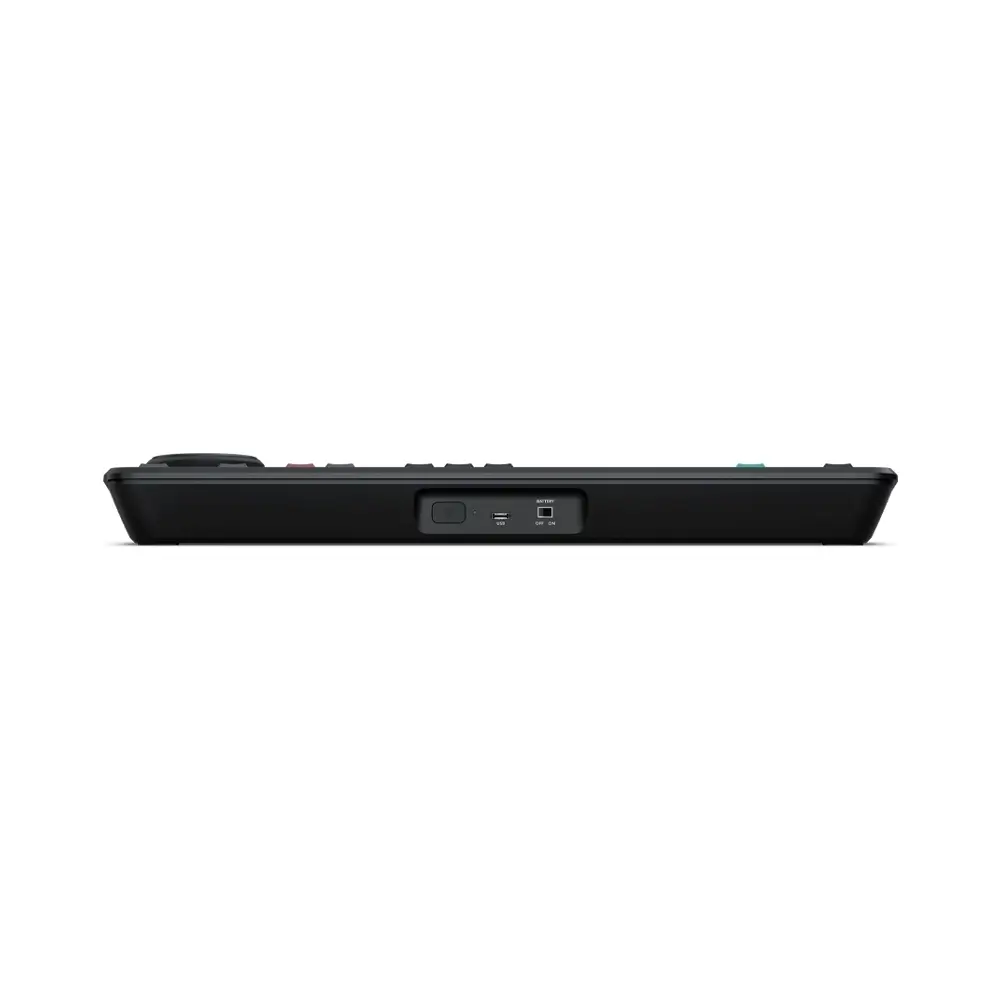
Durable & Connected: Powered by Bluetooth 5.1 LE technology, the Replay Editor easily integrates into your existing network. Its robust internal battery supports long production days, with options to charge via USB-C or connect to a separately available power supply.
With its robust feature set and seamless integration into live production environments, the DaVinci Resolve Replay Editor is an indispensable tool for broadcasters looking to elevate their live sports and news editing capabilities.
| Weight | 2.31 kg |
|---|---|
| Dimensions | 53.34 × 28.96 × 7.87 cm |
| Connections | Computer Interface USB Type‑C. Bluetooth Bluetooth 5.1 LE |
| Power Requirements | Power Supply Internal battery with power switch USB-C port for external power supply and battery charging. Power Usage 6 W max. |
| What's included? | DaVinci Resolve Replay Editor Welcome wallet with QR code for software download |
| Operating System | Mac 14.3 Sonoma or later. Windows Icon Windows 10 Creators Update Windows 11 Windows 11 for ARM Rocky Linux icon Rocky Linux 8.6 CentOS icon CentOS 7.3 or later. |