
MOTU Digital Performer 12 Audio/MIDI Music Production Software

2,945.00 Excl. VAT

  • DAW Software with Audio Recording, MIDI Sequencing, Scoring, MIDI Polyphonic Expression
  • Award-winning DAW software that’s perfect for recording audio, scoring music, and arranging sound
  • Powerful audio recording and MIDI sequencing that’s only limited by your computer’s capabilities
  • Articulation Maps enhance your scoring workflow with advanced orchestral sound libraries
  • Nanosampler 2.0 brings you advanced sampling and sound design capabilities
  • Advanced integration with external controllers
  • Supports MIDI Polyphonic Expression (MPE) with MPE-capable controllers

Available on backorder

Estimated delivery: October 25, 2026 – November 4, 2026
SKU: Digital Performer 11 Categories: ,
Description
Immerse yourself and your audience

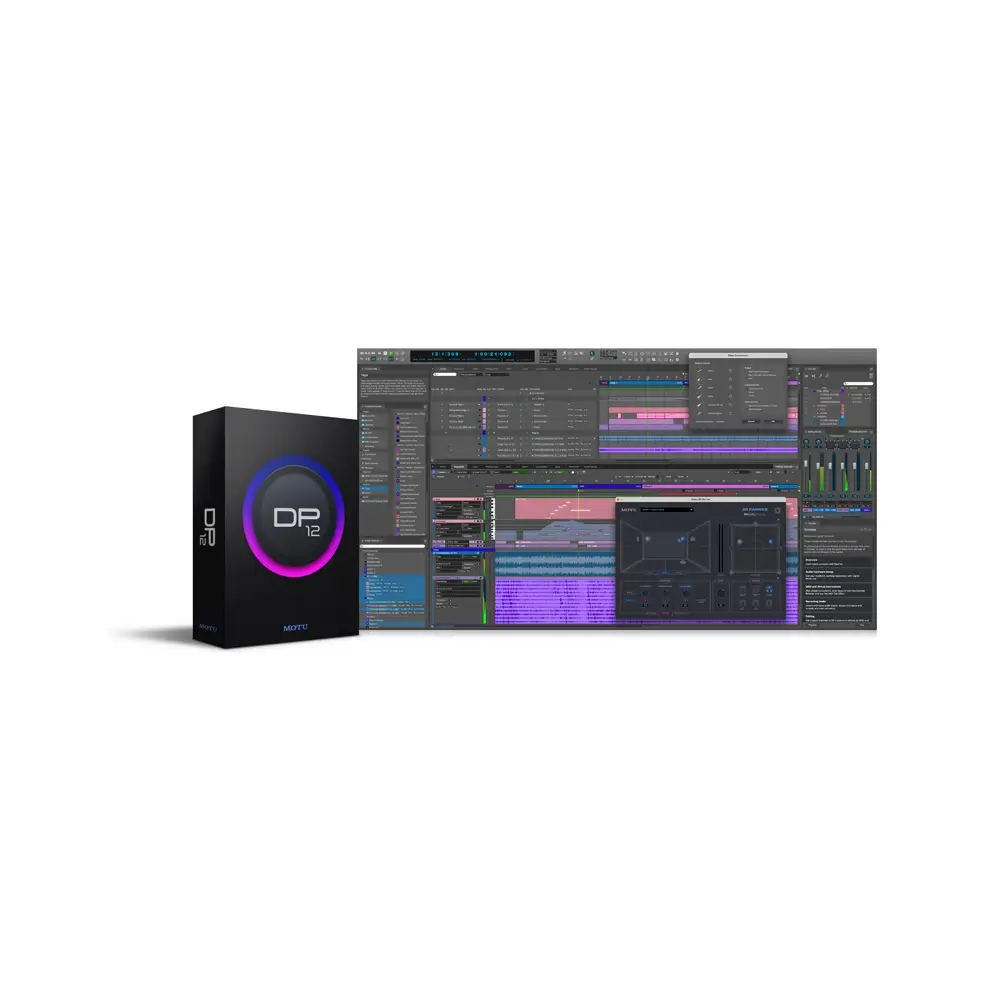
Introducing DP12

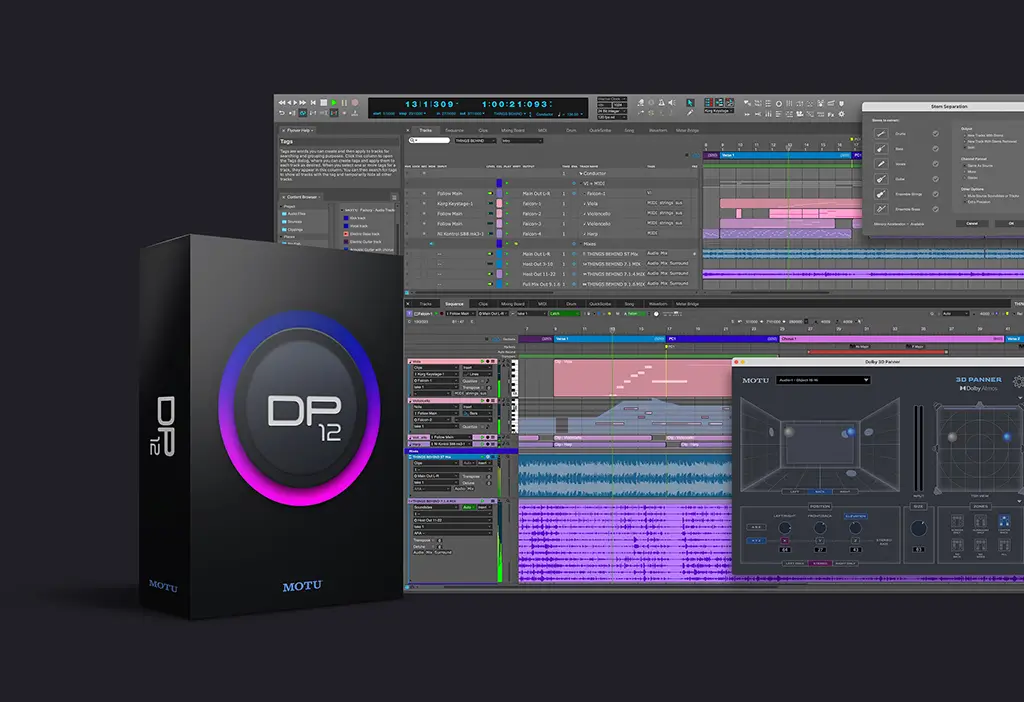
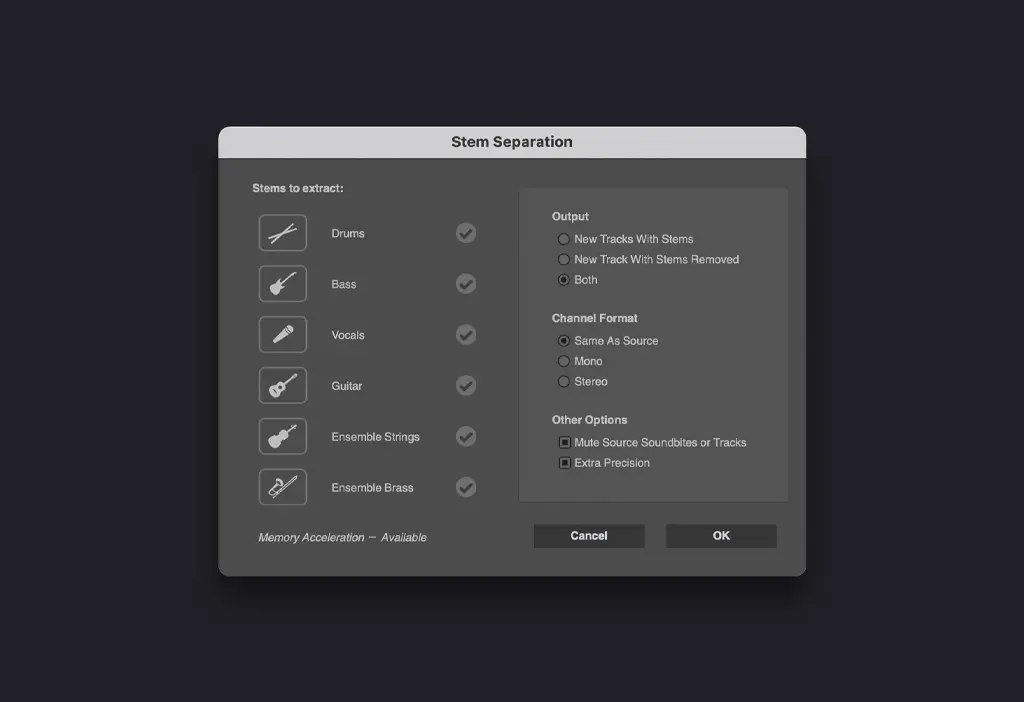
DP version 12 delivers exciting new features like immersive mixing in Dolby Atmos®, AI-powered stem separation, the new Arrangement Strip, plus dozens of workflow enhancements.

Immersive Sound

Mix, Render and Export in Dolby Atmos®

Dolby Atmos has transformed how entertainment is created and experienced, transporting you into a spatial sound experience that draws you in deeper, allowing you hear more and feel more. DP12 gives you all the tools you need to mix, render and deliver your spatialized mixes in Dolby Atmos. Whether you’re creating an immersive version of your song for streaming platforms like Apple Music® or Tidal®, or you’re mixing 3D sound, dialog, and music for an indie film, DP12 will inspire you, from initial concept to polished mix.

Dolby Atmos 3D Panner

Surround your audience with 128 channels

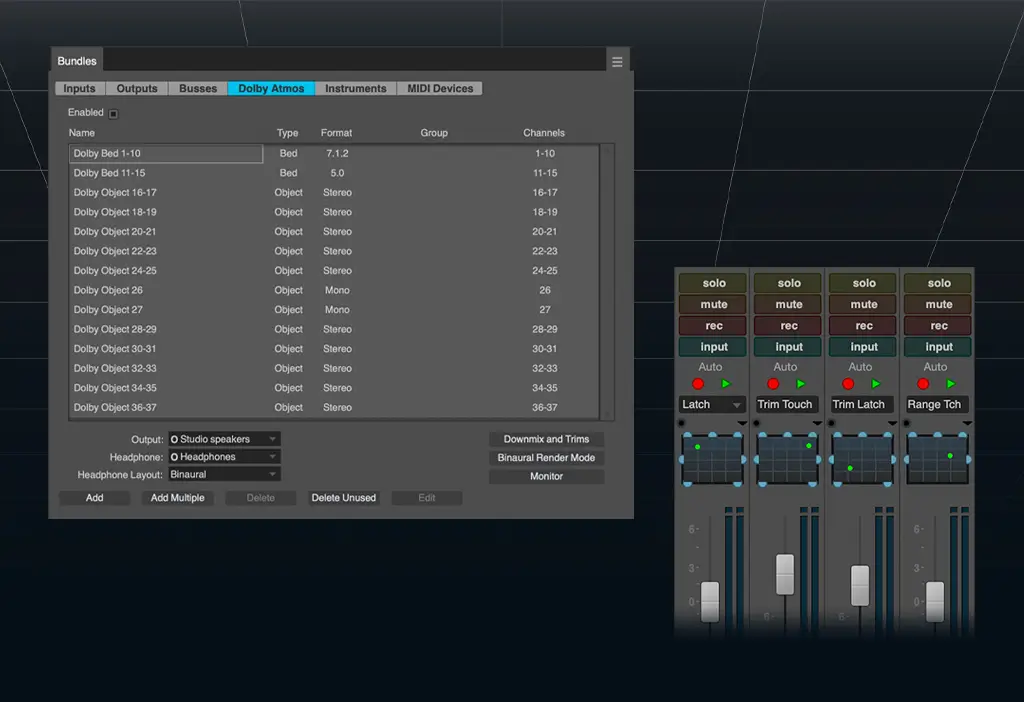
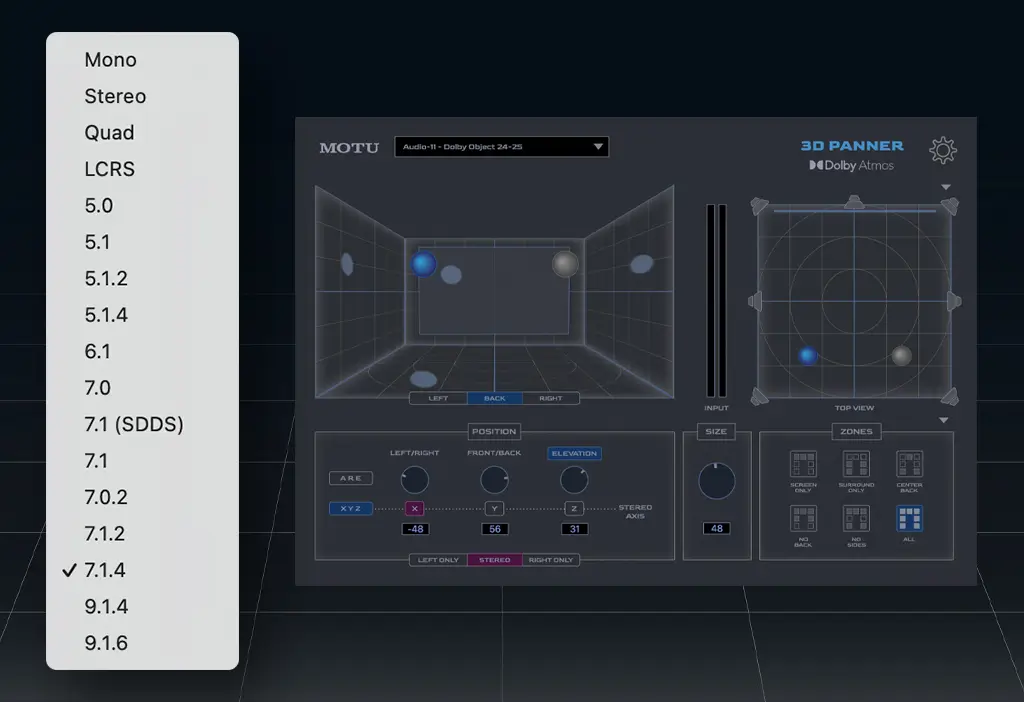
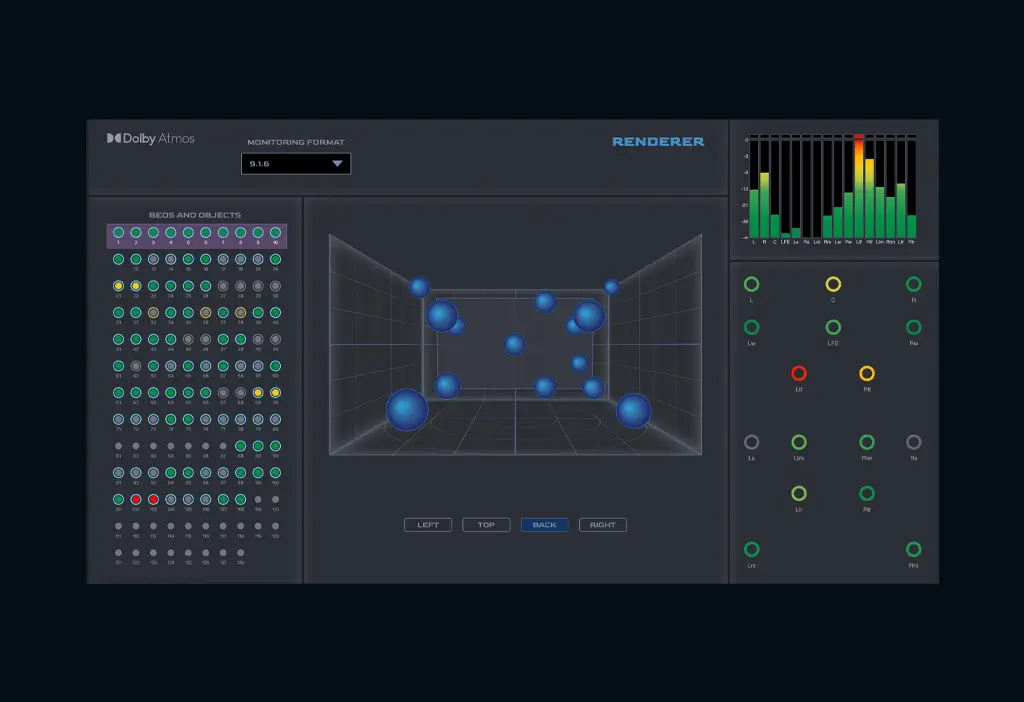
Dolby Atmos frees you from conventional, channel-based surround formats by allowing you to freely place up to 128 channels anywhere within the 3D sound field, and then deploy your mix to any desired speaker configuration —including a binaural (3D) headphone mix that can be heard on any standard pair of headphones (no surround speakers needed). Place sounds, effects, instruments, dialog or any audio source with precision and elevation. Move sounds throughout the sound field with DP12’s powerful and familiar mix automation features. DP12 will inspire you as you explore the possibilities of the immersive sound experience. 

 
Dolby Atmos Renderer

Mix and render in real time, then export a Dolby Atmos ADM file

In Digital Performer, the Dolby Atmos Renderer is built-in: you can mix in real time, driven by your creativity. Then, when you’re ready to deliver your polished mix, you can export a Dolby Atmos ADM file for delivery to spatial streaming services, the mix stage, or other Dolby Atmos-equipped studios. ADM files exported from DP can be imported into the Dolby Renderer app (sold separately), if you prefer to use it for external rendering and export. Either way, your Dolby Atmos workflow is complete, from end to end. The world of immersive mixing awaits...

Dolby Atmos 3D Panner

Surround your audience with 128 channels

Dolby Atmos frees you from conventional, channel-based surround formats by allowing you to freely place up to 128 channels anywhere within the 3D sound field, and then deploy your mix to any desired speaker configuration —including a binaural (3D) headphone mix that can be heard on any standard pair of headphones (no surround speakers needed). Place sounds, effects, instruments, dialog or any audio source with precision and elevation. Move sounds throughout the sound field with DP12’s powerful and familiar mix automation features. DP12 will inspire you as you explore the possibilities of the immersive sound experience. 

 
Arrangement Strip

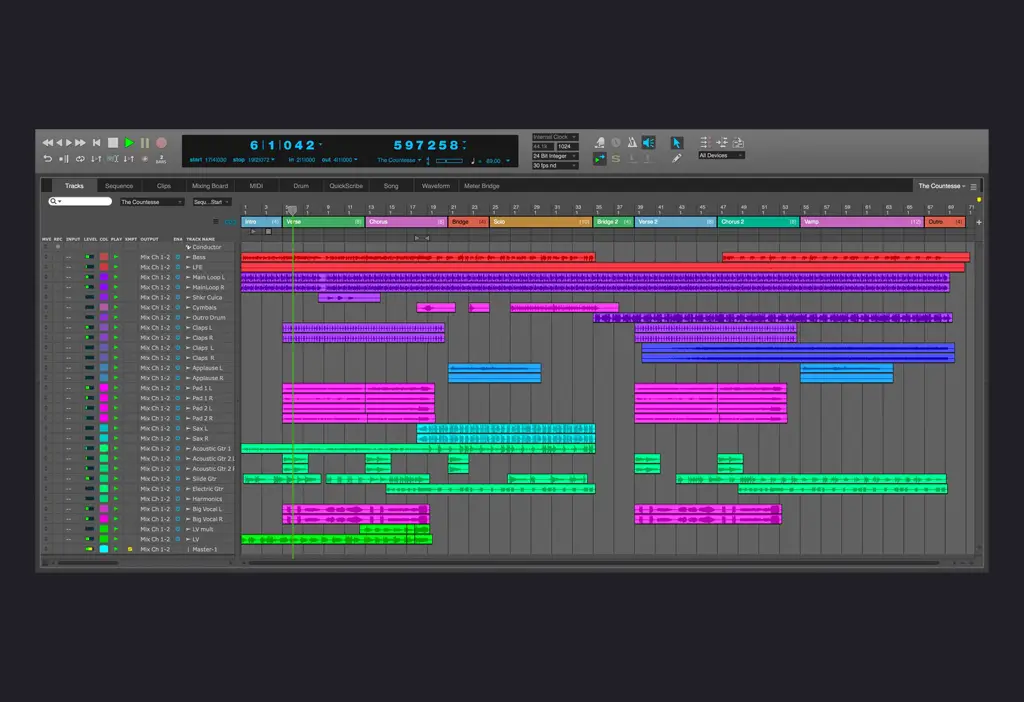
Re-arrange your song in seconds with the new Arrangement Strip

You’ve got an Intro, Verse, Chorus and Bridge. Now you want to arrange it. With the new Arrangement Strip, you can arrange in seconds. Just drag each section’s colored bar to reorder the sections across all tracks. Option/Alt-drag to duplicate. Want to try variations? Just drag again. Duplicate, move, re-order, snip and delete sections with ease. Simple. Powerful. Inspiring. 

Track Presets

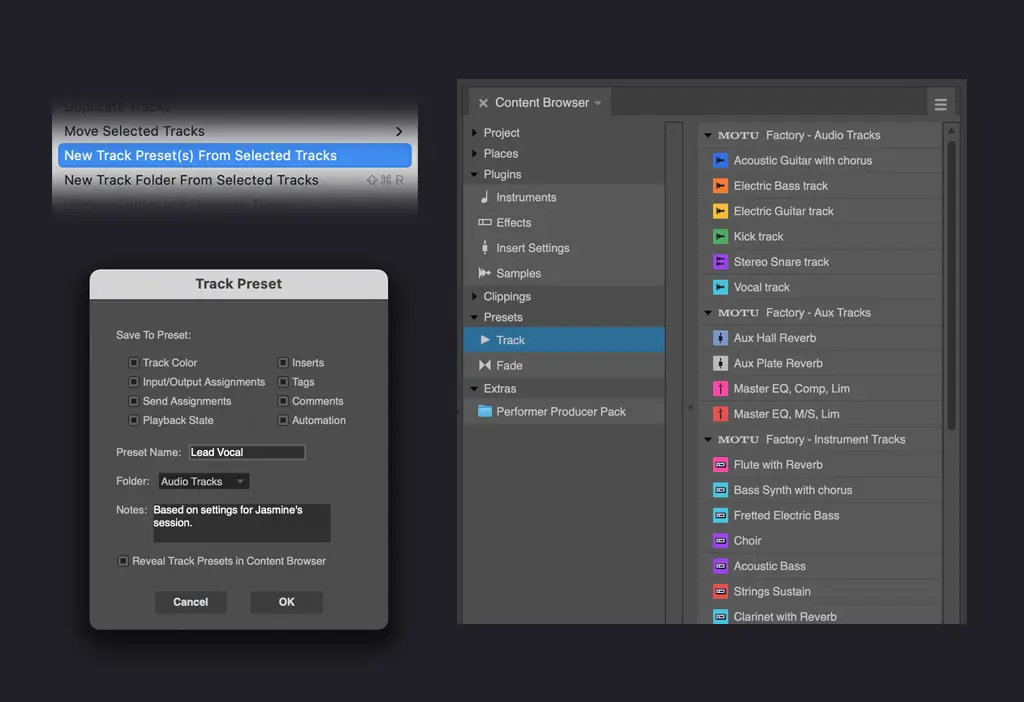
Create, Save and Recall Track Presets

A track preset can include any track settings you wish, from I/O and EQ settings to plug-in chains. Drag & drop presets from the Content Browser to apply them to existing tracks or create new tracks from them. DP12 provides dozens of presets to get you started with vocals, drums, bass, guitar and many other instruments. Or create and recall your own presets.

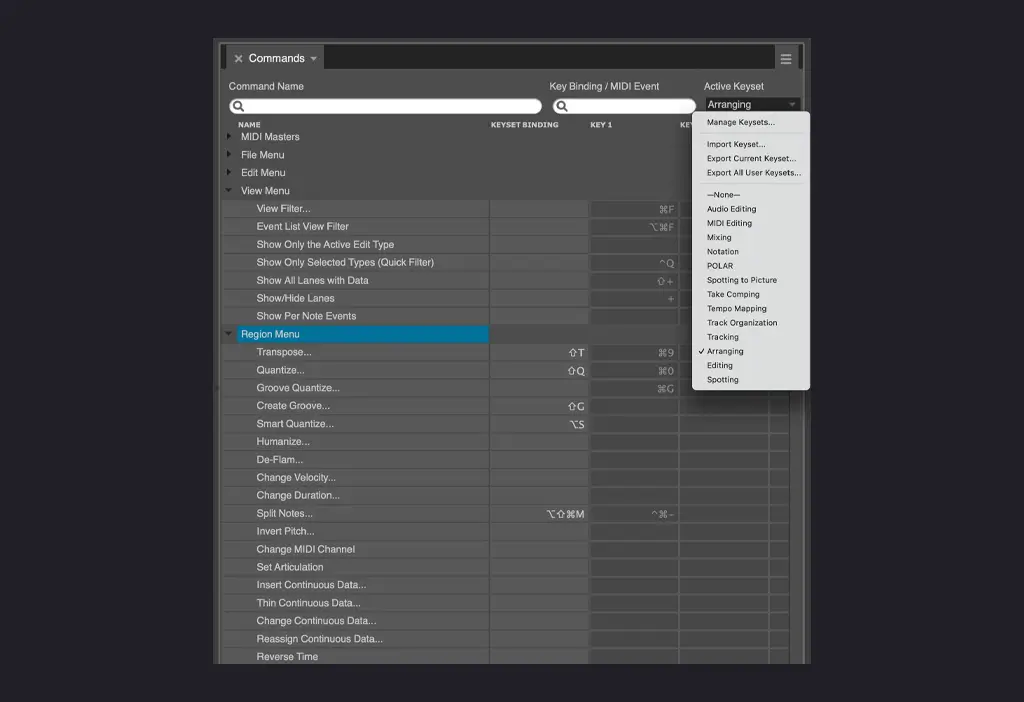
Keyboard Customization: Other DAWs

Key commands from other DAWs

Do you have familiarity with Pro Tools, Cubase, Nuendo, Logic or Live?
You can use their key commands in Digital Performer. Just go to the
commands window and import their command keyset from the mini-
menu. Now your computer keyboard will respond just like it does in the
other DAW, to help you feel more comfortable and speed your workflow.

Keyboard Customization: Keysets

Keysets will speed your workflow

Keysets let you quickly switch among different key binding sets as you work, depending on the specific task at hand. For example, you might create keysets that help you work faster while you are editing, spotting to picture, or tracking in the studio. You can set up custom keysets for each task and then quickly switch between them. Keysets work together with your regular key bindings, acting as a subset you can enable and disable quickly.

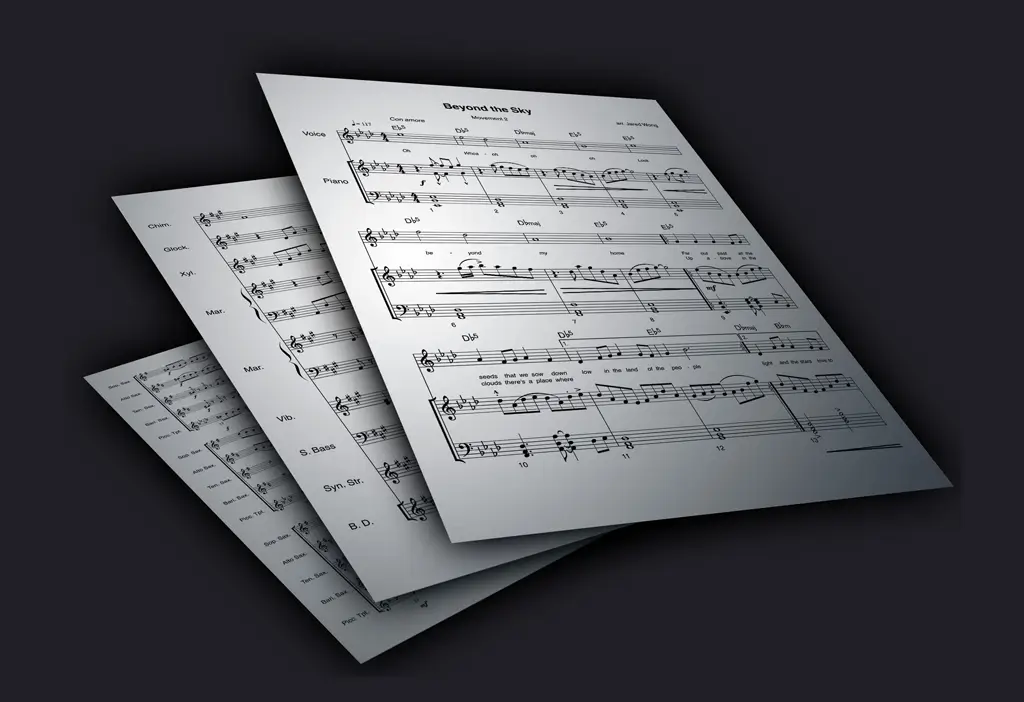
Music Notation

Music score interchange with MusicXML import and export

Digital Performer can now import MusicXML files, as well as export them. This allows for complete, round-trip interchange with 3rd-party music notation software applications, such as Doricoâ„¢, Sibeliusâ„¢ and MuseScoreâ„¢. Drag MusicXML files into the Chunks list or import them using File > Import. The import process supports all DP features that export as MusicXML, including dynamics, articulations, measure repeats, text and more.

Additional information
Weight1.36 kg
Dimensions19.69 × 16.51 × 3.81 cm
Bit Depth:64-bit
Download/Boxed:Boxed
Format:VST2, VST3, AU, MAS, Standalone
Platform:Mac, PC
Software Type:DAW
Upgrade/Full:Full
Authorization TypeiLok Required
About brand
Professional audio interfaces, MIDI systems and production technology.