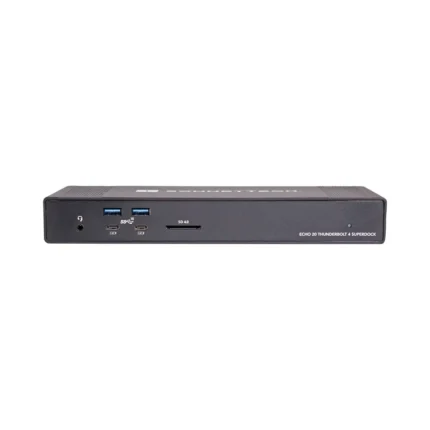
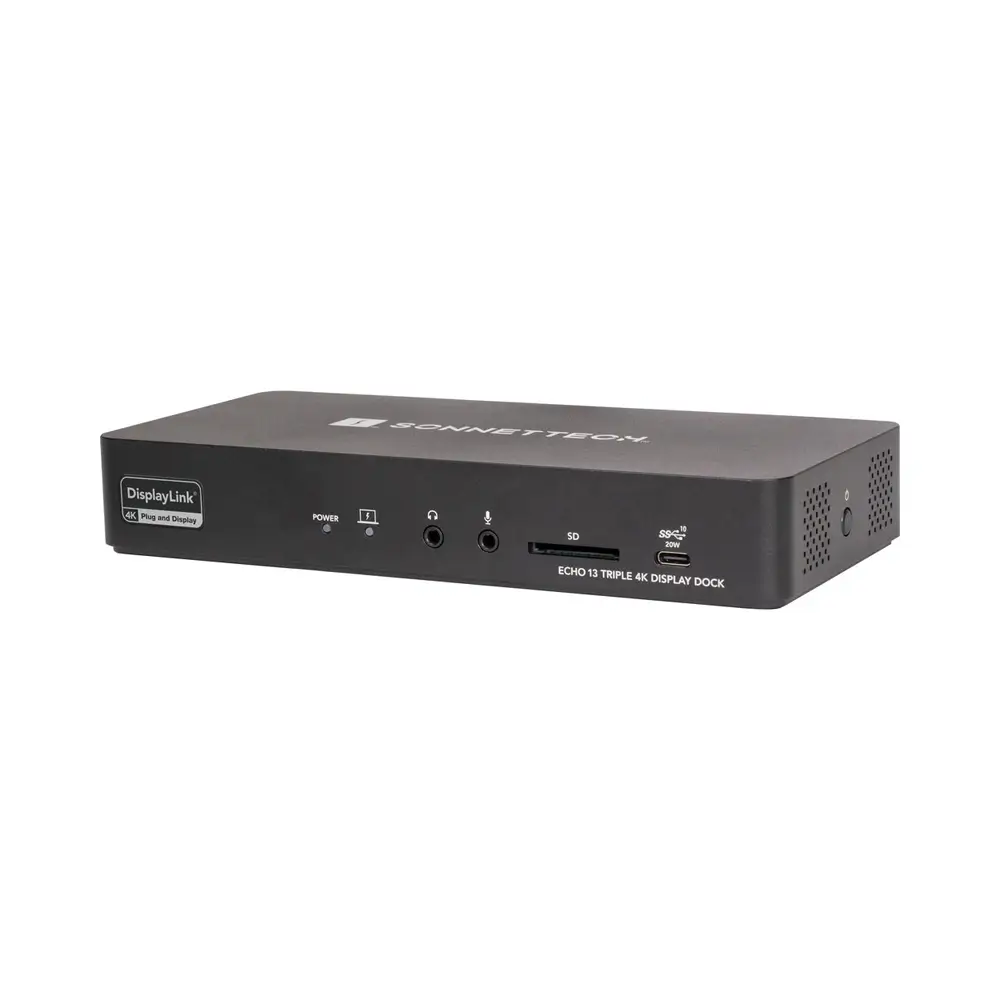
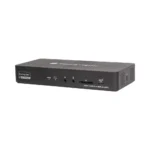
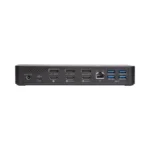

Sonnet Echo 13 Triple 4K Display Dock for Thunderbolt Computers
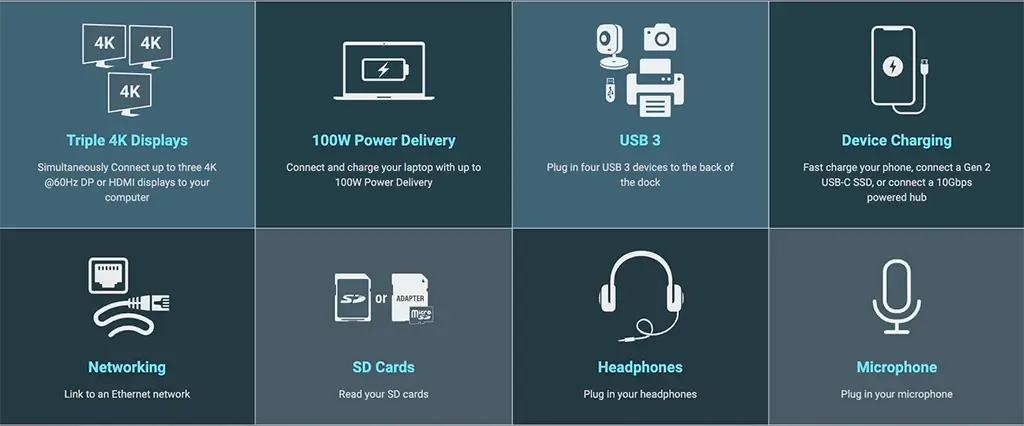
- Supports up to Triple 4K@60 Hz Displays
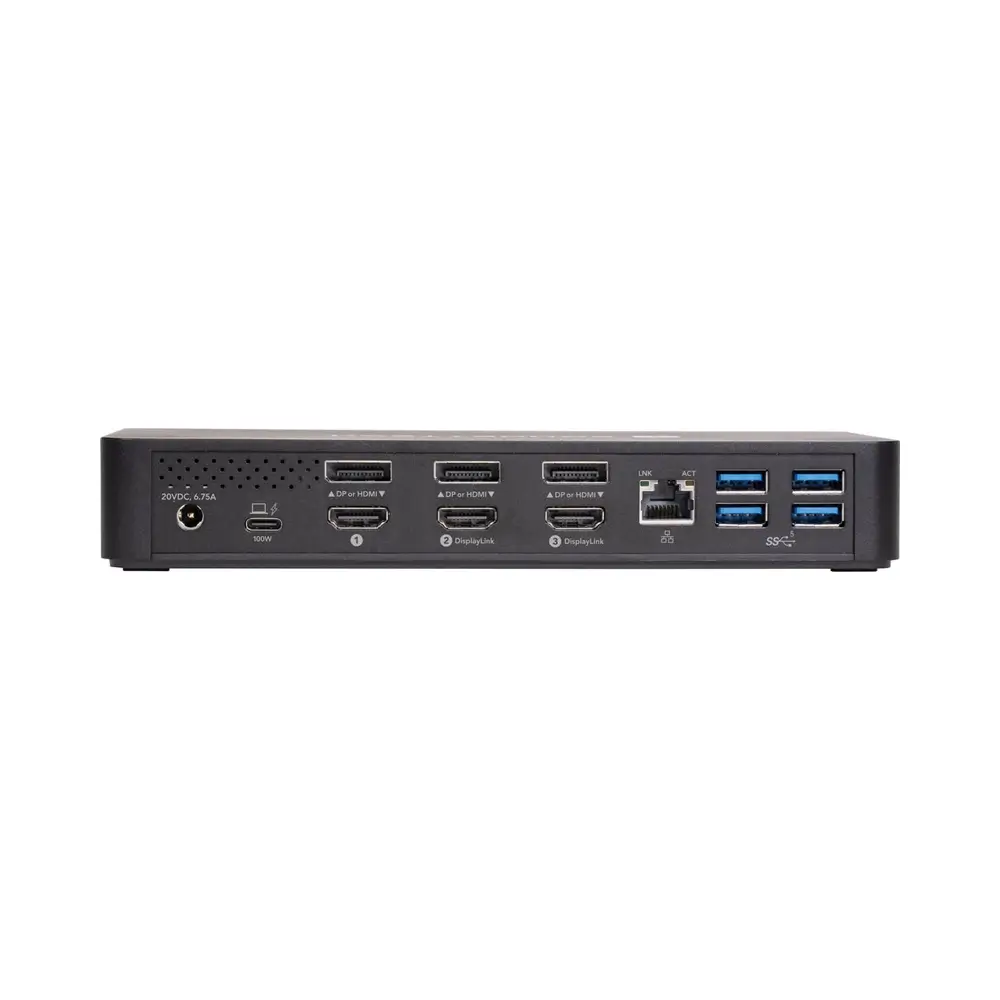
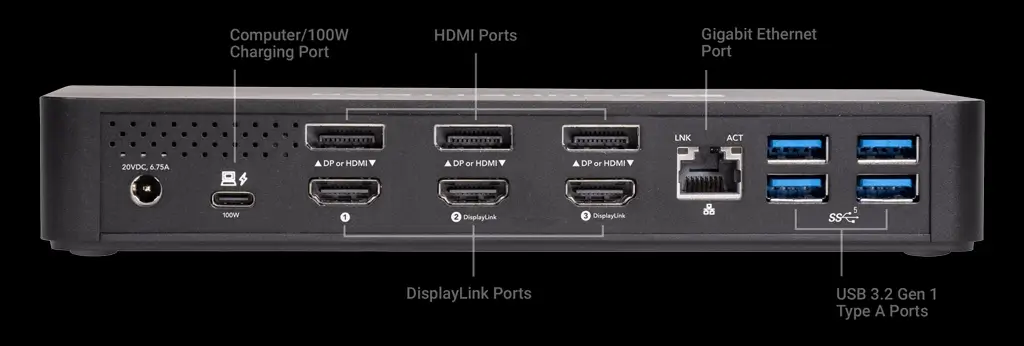
- 1 x USB-C 3.2 Gen 2 100W Host Port
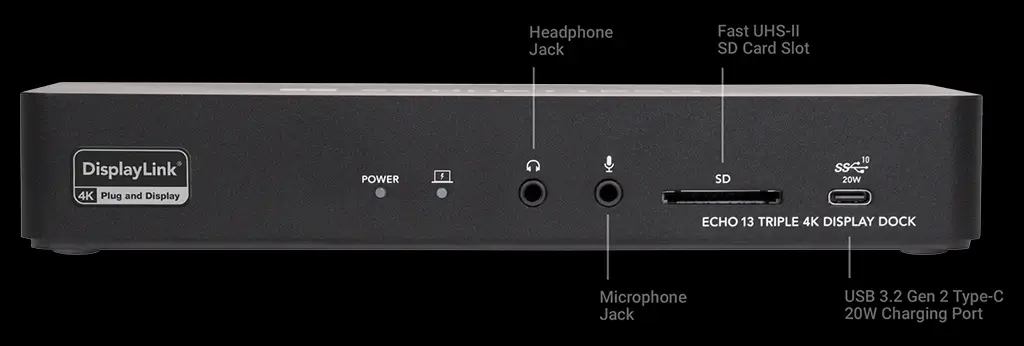
- 1 x USB-C 3.2 Gen 2 20W Charging Port
- 3 x HDMI 2.0 Port
- 3 x DisplayPort 1.2 Port
- 4 x USB-A 3.2 Gen 1 Port
- 1 x Gigabit Ethernet RJ45 LAN Port
- 1 x 3.5mm Stereo Headphone Jack
- 1 x 3.5mm Mono Microphone Jack
- 1 x UHS-II SD Card Slot
Description
Echo 13 Triple 4K Display Dock
USB-C Dock with Three DisplayPort Ports, Three HDMI Ports, Gigabit Ethernet Port, Four 5Gbps USB Ports, and 10Gbps USB-C 20W Charging Port for Mac®, Windows®, and Chromebook™
Triple the External Displays Supported
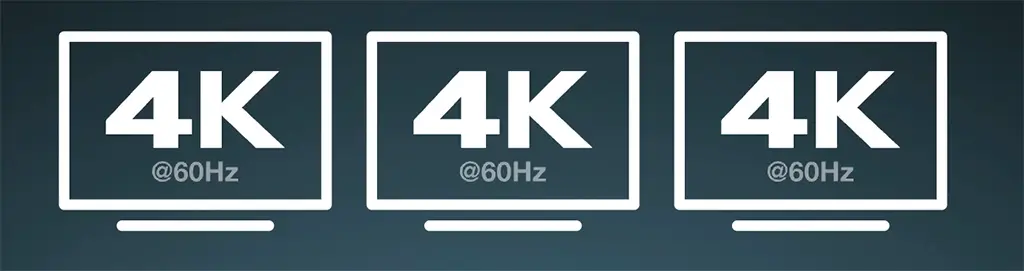
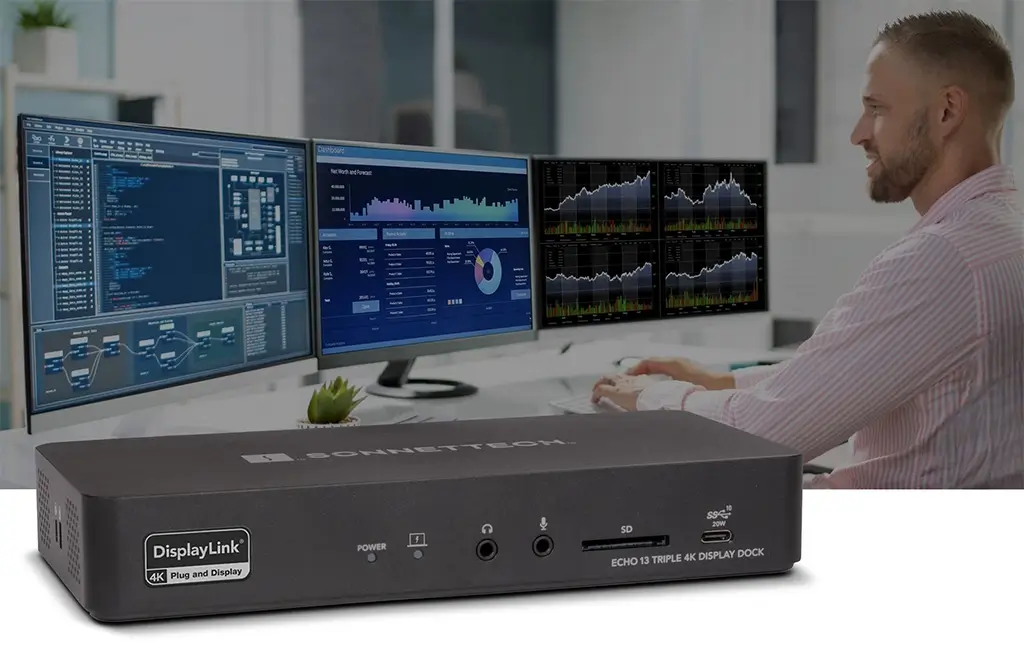
Apple M1/M2/M3 Mac computers offer outstanding overall performance but have a limit to the number of external displays you can connect to them. If you’re using an M1/M2 MacBook Air®, M1/M2 13-inch MacBook Pro®, or M3 14-inch MacBook Pro that number is one. Featuring DisplayLink™ technology, the Sonnet Echo™ 13 Triple 4K Display Dockbeats the limit, enabling you to simultaneously connect three 4K @60Hz DisplayPort or HDMI displays to a single port on your compatible Mac, Windows, and Chromebook computer.
All the Ports You Need
The Triple Advantage
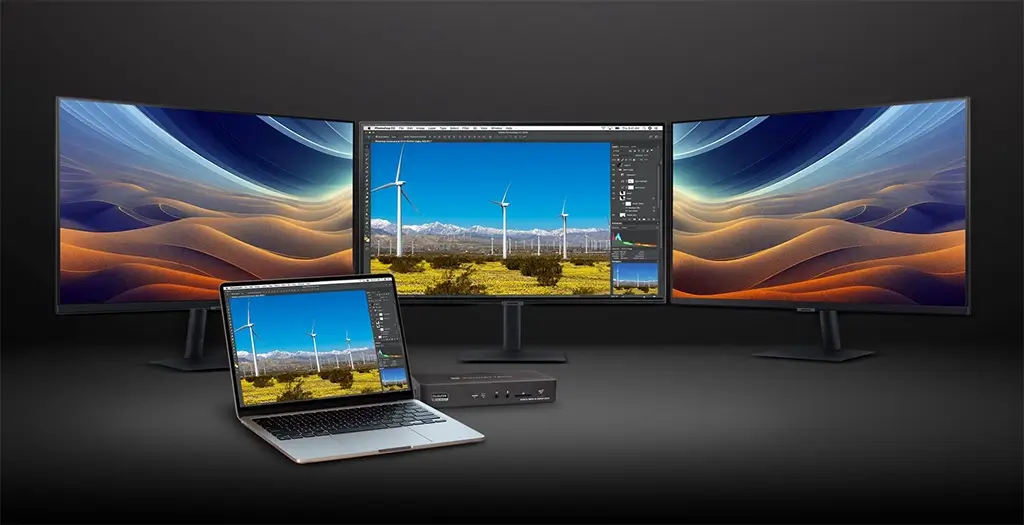
Connect Three 4K Displays Without Compromise
There are several choices in docks that support three displays — don’t choose the wrong one. Some multi-display docks only support slower 30Hz refresh rates, or a 60Hz refresh rate on one display and 30Hz refresh rates on the others. Some offer 4K display support on only one port, while others only offer 1080P (HD) display support. Some include only one type of display connection. Some support only Windows. Echo 13 Triple 4K Display Dock is not some other dock: it simultaneously supports three 4K @60Hz display, HDMI or DisplayPort (DP) or mixed, even when used with an M1 or M2 MacBook Air computer.
Connect via HDMI, DisplayPort, or Mixed
Efficiency Booster

Expand Your Applications Workspace
Perfect for use with productivity software such as Microsoft® Office, Echo 13 Triple 4K Display Dock enables you to work more efficiently by expanding your workspace. Whether you need to open multiple applications on their own screens, edit code or view multiple spreadsheets in detail on large displays, or track the stock market, Echo 13 makes it possible.
A Display for Every Workspace
Plug In
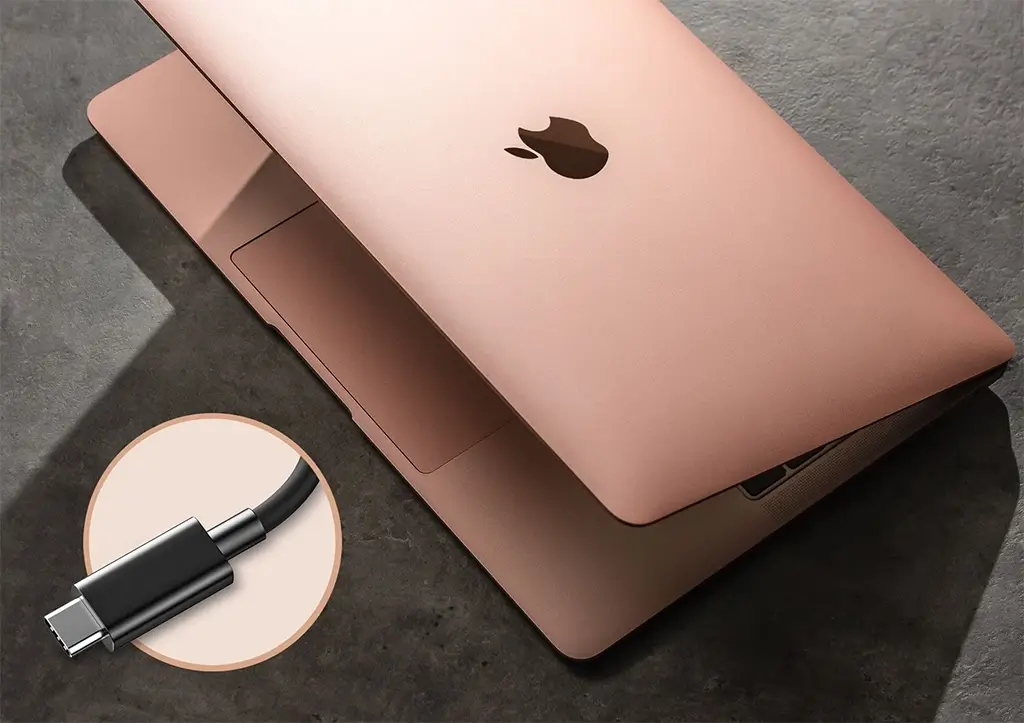
Your Peripherals and Power Your Computer with One Cable
Connect your monitors, USB peripherals, and Ethernet cable to the dock and then link them all to your computer with a single USB-C cable. Got a laptop computer? Echo 13 Triple 4K Display Dock powers it with up to 100W of charging power. When it’s time to leave, just unplug the USB-C cable, grab your computer, and go.
Up to 100W of Charging Power
Network Port
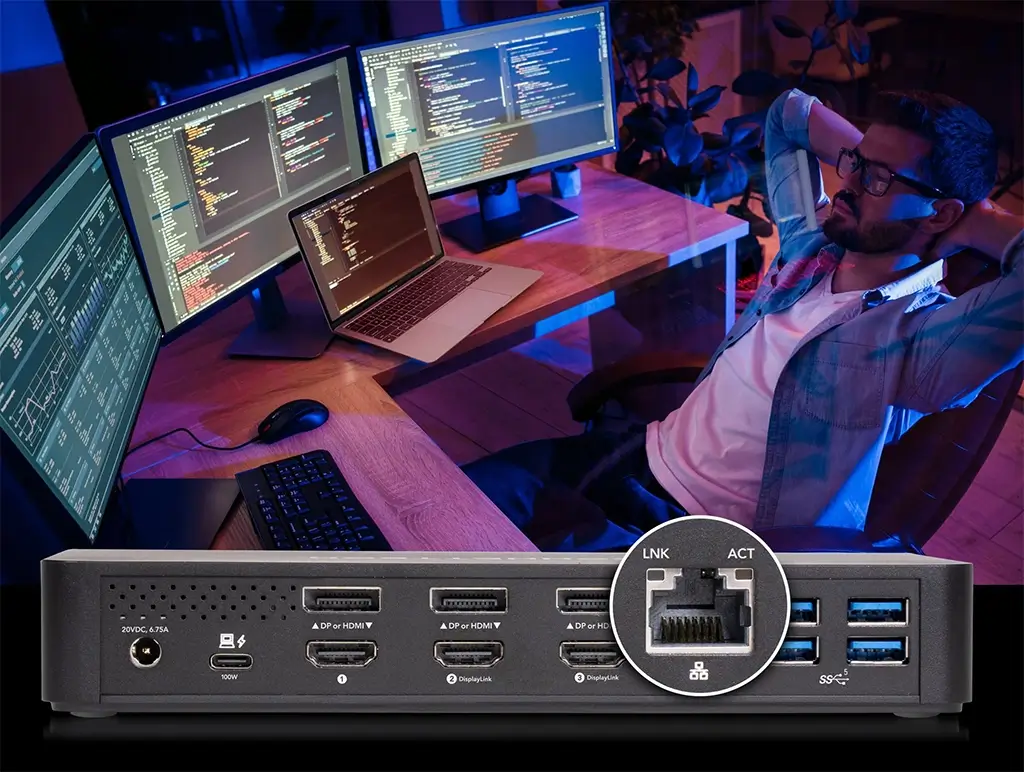
Fast Wired Network Connection
Echo 13 Triple 4K Display Dock includes a Gigabit Ethernet port — perfect for connecting your broadband internet directly to your computer without another device competing for bandwidth on your WiFi setup. With the appropriate drivers already installed under macOS, Windows, and ChromeOS, setup is simple.
Additional information
| Dimensions | 26 × 14.9 × 9.1 cm |
|---|---|
| Audio I/O | 1x 1/8″ / 3.5 mm Headphone Output 1x 1/8″ / 3.5 mm Microphone Input |
| Host Connection | USB-C (Unspecified Interface) Supporting USB Power Delivery up to 100 W via Detachable Cable |
| Max Resolution | 3 Displays Supported: 3840 x 2160 at 60 Hz (Triple) |
| Network I/O | 1x RJ45 (10/100/1000 Mb/s) |
| OS Compatibility | macOS Windows Chrome OS |
| USB I/O | 1x USB-C 3.1/3.2 Gen 2 / Supports 20 W Output 4x USB-A 3.0 / 3.1/3.2 Gen 1 |
| Video I/O | 3x HDMI 3x DisplayPort |