
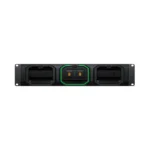
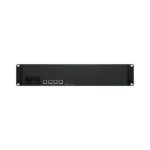
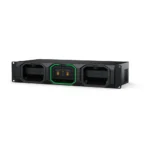

Blackmagic Media Dock
8,372.00 Excl. VAT
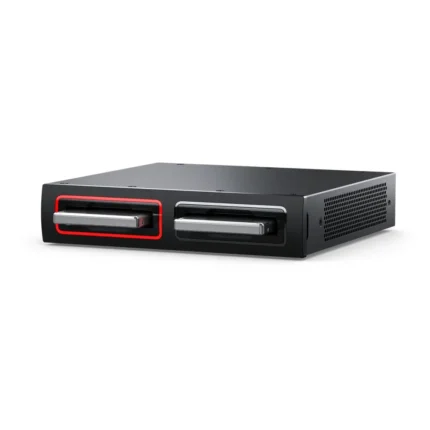
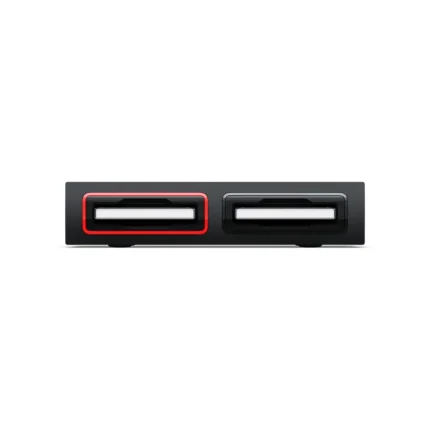
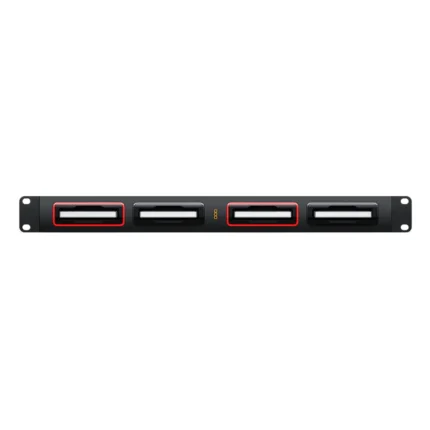
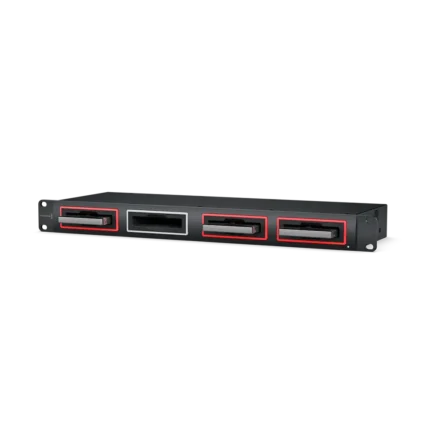
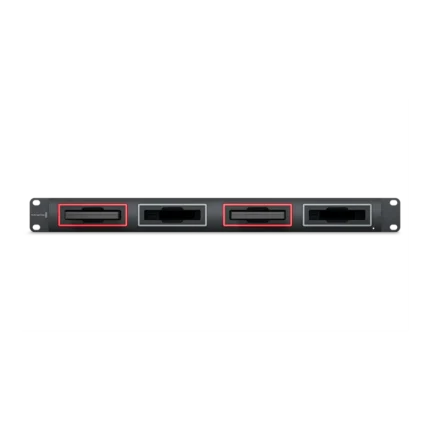
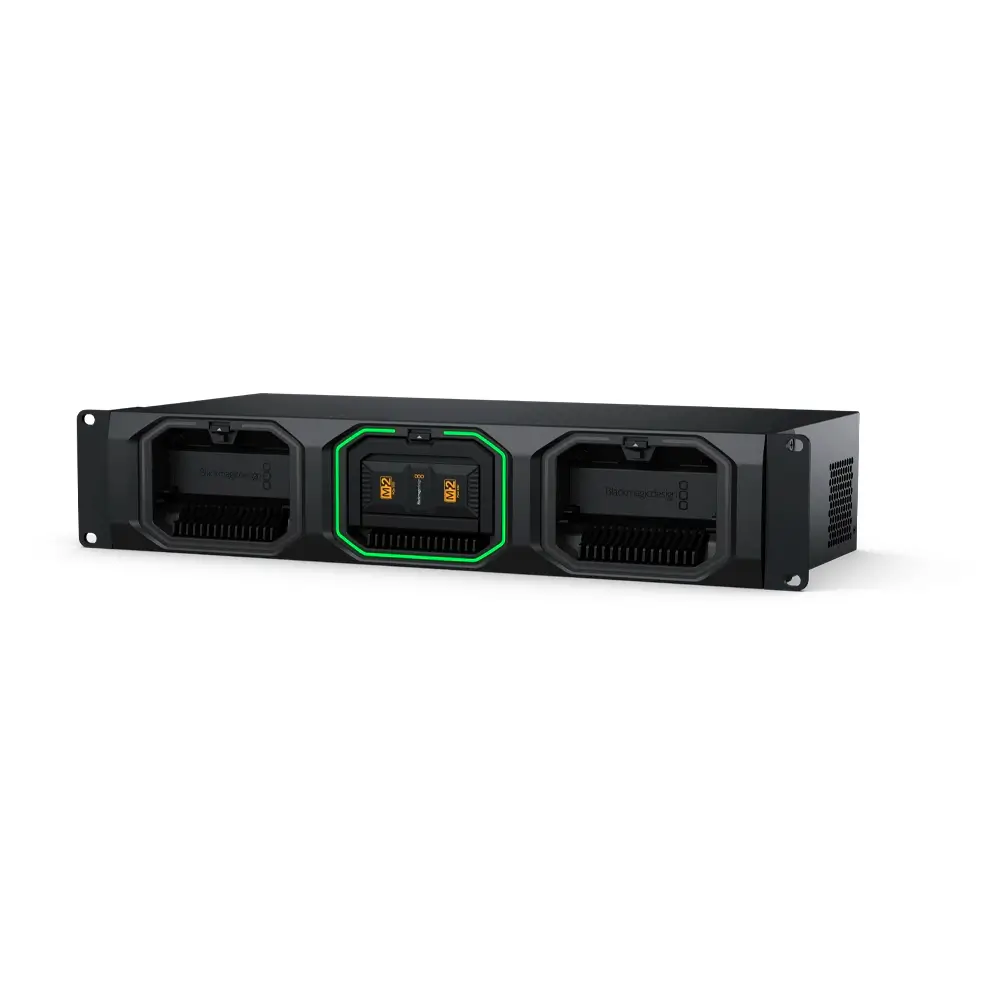
- Mounts up to 3 Media Modules
- Offload from Multiple URSA Cine Cameras
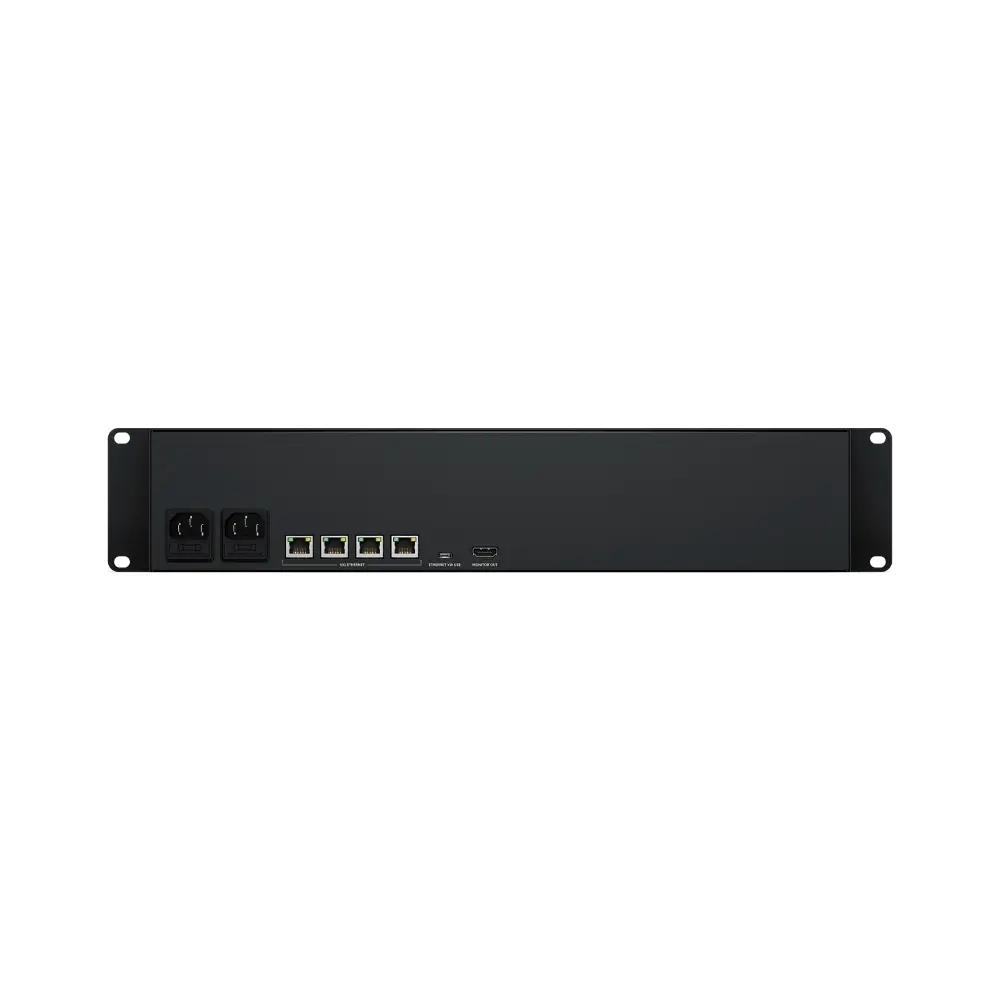
- 4 High-Speed 10G Ethernet Ports
- USB-C Computer Connection
- HDMI Output for Monitoring
Available on backorder
About Blackmagic Design Media Dock
Be at the forefront of post-production efficiency with the Media Dock, specifically designed to streamline your workflow by enabling mounting, network sharing, and uploading to Blackmagic Cloud media from up to three Blackmagic Media Modules simultaneously. This powerful tool is engineered to eliminate media offload time, thereby accelerating your post-production process and allowing you to dive into editing and color correction tasks more swiftly.
The Media Dock is equipped to house up to three Blackmagic Media Modules, providing high-speed access to media from multiple URSA Cine cameras concurrently. This feature not only enhances your productivity but also facilitates seamless collaboration across your team.
One of the standout features of the Media Dock is its four high-speed 10G Ethernet ports. These ports allow up to four separate editing workstations to connect directly, ensuring lightning-fast performance even when multiple users are connected simultaneously. This feature is a game-changer for busy production environments where speed and efficiency are paramount.
Additionally, the Media Dock boasts a USB-C connection that supports Ethernet, enabling you to transfer media effortlessly using a simple USB-C cable connected to your computer. This feature adds another layer of convenience to your post-production workflow.
To top it all off, the Media Dock also features an HDMI output that allows you to monitor the status of your media in real time on a TV or monitor. This real-time monitoring capability ensures that you’re always in the loop about your media’s status, further enhancing your workflow efficiency.
In summary, the Media Dock is a robust, high-performance tool that is designed to supercharge your post-production workflow, offering high-speed access, seamless network sharing, and real-time monitoring capabilities.
Blackmagic Design Media Dock Features
-
Streamlined workflow: Mount, share, and upload media from up to 3 Blackmagic Media Modules effortlessly
-
Instant access: Accelerate post-production with simultaneous high-speed access to media from multiple URSA Cine cameras
-
Multi-user connectivity: Four 10G Ethernet ports support multiple edit workstations for seamless collaboration
-
Real-time monitoring: HDMI output displays media status on TV or monitor, ensuring efficient management
| Weight | 5.51 kg |
|---|---|
| Dimensions | 53.09 × 26.16 × 14.22 cm |
| Connections | Interface 3 x removable and hot-swappable Blackmagic Media Modules. 10G Ethernet Ports 4 x 10G BASE-T USB-C Port 1 x USB 3.0 (up to 5Gb/s). Supports Ethernet Over USB HDMI Monitor Outputs 1 Computer Interface USB-C or Ethernet for shared file access, configuration and software updates. |
| Storage Type | Up to 3 Blackmagic Media Modules. |
| HDMI Monitor Out Standards | 1080p50, 1080p59.94, 1080p60 |
| Monitor Out Displays | Device Name, storage capacity and use, Cloud Sync status, User Activity, Hardware Status, storage map, network data rate graph. |
| Status Indicator | LED bezel indicator lights around media module bays. |
| External Control | USB-C or Ethernet for configuration and software updates. |
| Power Requirements | Power Supply Internal 100 – 240V AC 50/60Hz with IEC C14 mains input. Power Usage 95 W |