

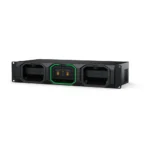

Blackmagic Media Dock
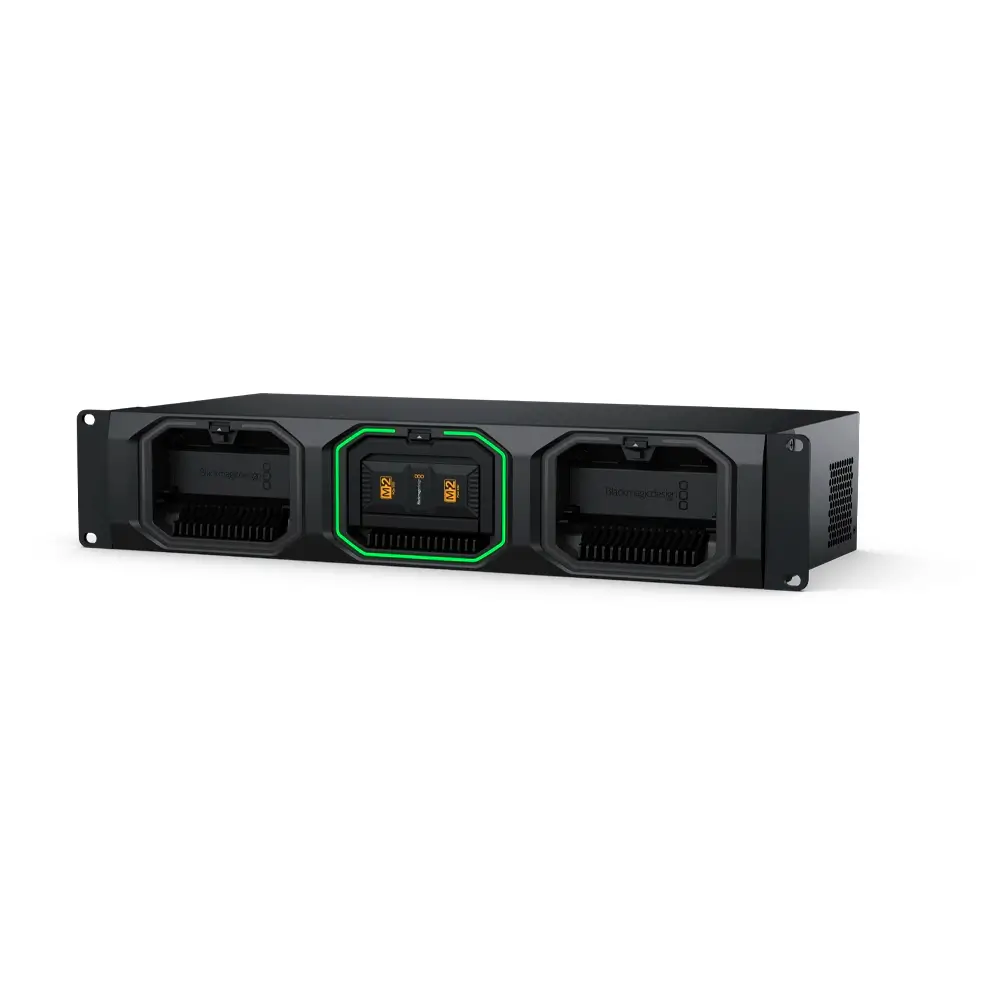
- Mounts up to 3 Media Modules
- Offload from Multiple URSA Cine Cameras
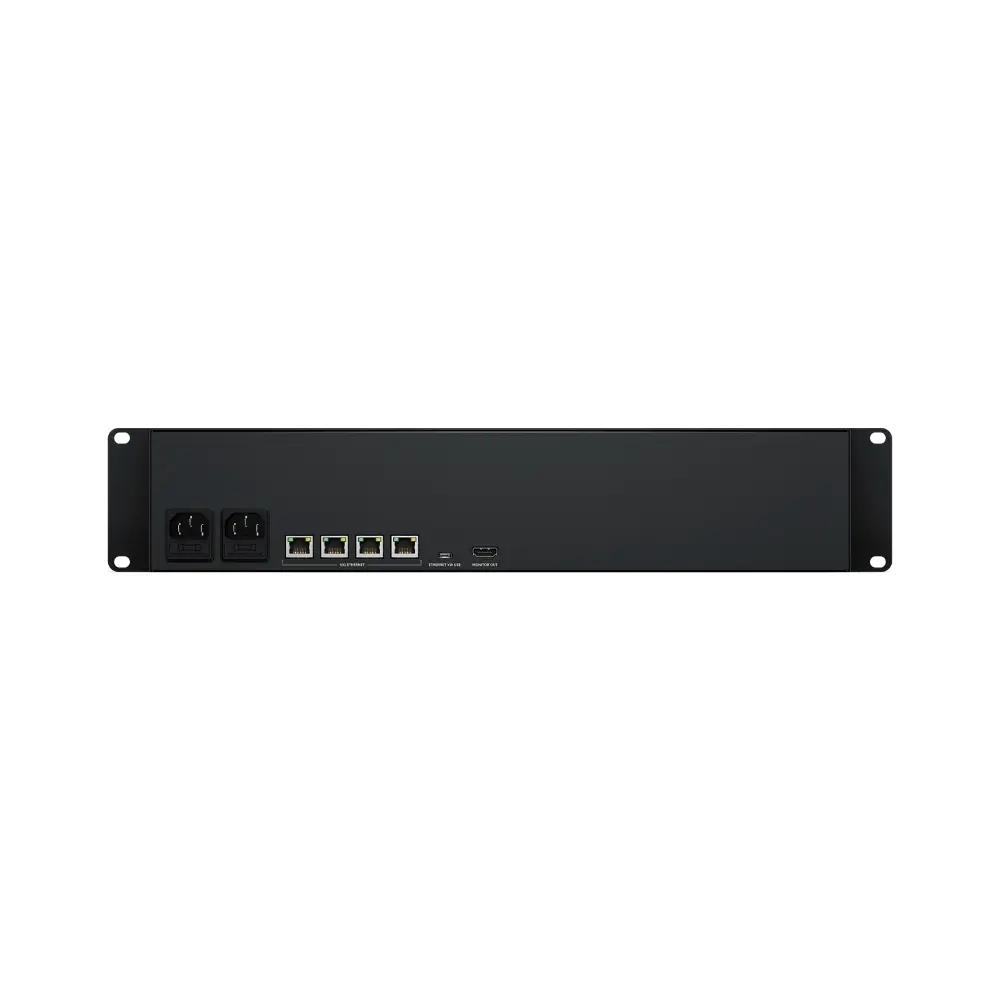
- 4 High-Speed 10G Ethernet Ports
- USB-C Computer Connection
- HDMI Output for Monitoring
Get to editing your URSA Cine 12K camera footage immediately after shooting with the Media Dock from Blackmagic Design. The Media Dock fits three Media Modules in the front of the unit, and it provides high-speed access to media from multiple cameras. The four 10G Ethernet ports can connect to four different workstations for quick turnaround editing and color correction. The unit supports hot swapping of the Media Modules so there’s no need to power down to swap media.
You can also transfer media quickly to a computer using the USB-C connector. An HDMI output allows you to see the media status on a monitor. The Media Dock is also compatible with syncing with the cloud, supporting Blackmagic Cloud, Dropbox, and Google Drive. Color LEDs on the front allow you to see if the drives are mounted and not in use/read (green) or busy in write mode (red).
Features
Blackmagic Media Dock accelerates your post-production workflow by making it faster and simpler to start editing and color correction
Mount up to three Blackmagic Media Modules for high-speed access to media from multiple URSA Cine cameras
The Media Modules are hot-swappable
Four high-speed 10G Ethernet ports allow up to four separate edit workstations to connect directly
Its connectivity is extremely fast, even when a lot of users are connected at the same time
The USB-C connection supports Ethernet, so you can transfer media using a simple USB-C cable connected to your computer
An HDMI output allows you to see the status of your media in real time on a TV or monitor
Redundant power
| Weight | 5.5 kg |
|---|---|
| Dimensions | 48.3 × 20.6 × 8.99 cm |
| Connections |
Interface 10G Ethernet Ports USB-C Port HDMI Monitor Outputs Computer Interface |
| Storage Type |
Up to 3 Blackmagic Media Modules. |
| HDMI Monitor Out Standards |
1080p50, 1080p59.94, 1080p60 |
| Monitor Out Displays |
Device Name, storage capacity and use, Cloud Sync status, User Activity, Hardware Status, storage map, network data rate graph. |
| Status Indicator |
LED bezel indicator lights around media module bays. |
| External Control |
USB-C or Ethernet for configuration and software updates. |
| Power Requirements |
Power Supply Power Usage |
Related products




DaVinci Resolve Editor Keyboard
- All-Metal Design with Handrest
- High-Quality Keys with Tiered Profile
- Premium Search Wheel
- Fast In and Out Points
- Intelligent Keyboard Edit Modes
- Smart Insert, Append to End
- Ripple Overwrite, Place on Top
- Direct Timecode Entry Keypad & Much More
- Use Desktop or Inset into a Console
- USB Type-C Compatible
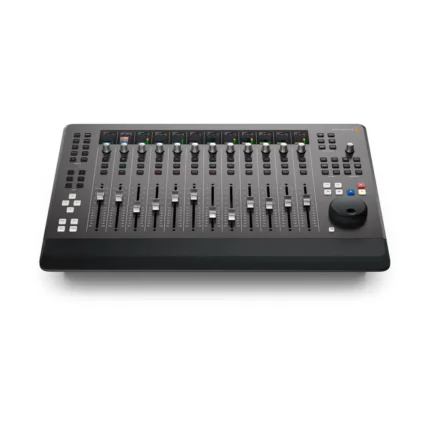
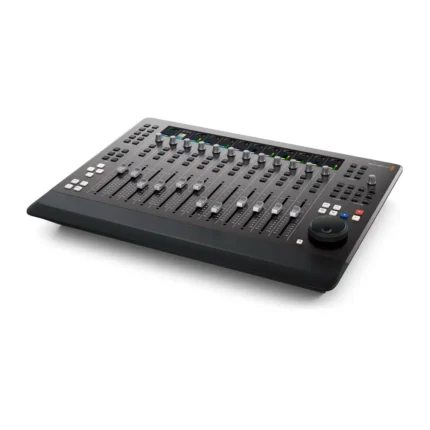
Fairlight Desktop Console
- 12 Touch-Sensitive Motorized Faders
- 12 Assignable Multifunction Pan Knobs
- 12 Informative High-Resolution LCDs
- Solo and Mute Buttons per Channel Strip
- Logical Navigation & Transport Controls
- Task-Based Controls
- Record and Edit Automaton
- Flexible Monitoring Controls
- External HDMI Monitoring
- Mac and Windows Compatible
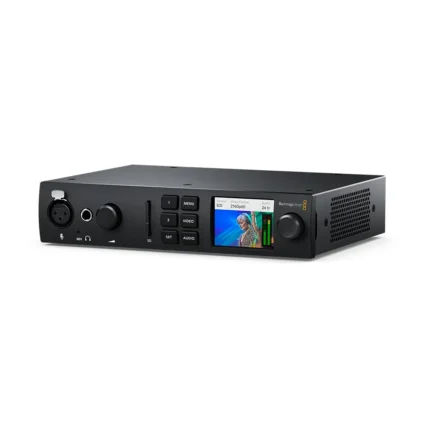
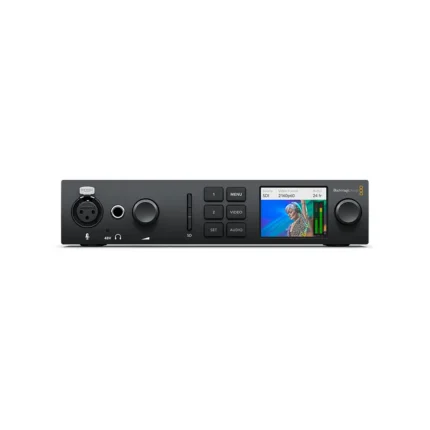
UltraStudio 4K Mini
- 12G-SDI & HDMI 2.0 Input/Output
- 1 x 40 Gb/s Thunderbolt 3 Interface
- 3" LCD Status/Preview Screen
- DCI 4K60 4:2:2 Single-Link 12G-SDI I/O
- DCI 4K30 4:4:4 Single-Link 12G-SDI I/O
- DCI4K60 4:4:4 via HDMI
- 8-, 10- & 12-Bit Processing
- 2K/HD/SD via SDI or HDMI
- RS-422 Deck Control
- macOS, Windows & Linux Compatible