



Blackmagic Cloud Pod
1,579.00 Excl. VAT
- Use USB Type-C Disks as Network Storage
- Connects Two USB Type-C Disks
- 2 x 5 Gb/s USB Type-C Ports
- 1 x 10Gb/s Ethernet Port
- 1 x HDMI Monitoring Output for Status
- Supports up to 50 Simultaneous Users
- Automatic Dropbox Sync Support
- Software Utility for Windows and Mac
In stock
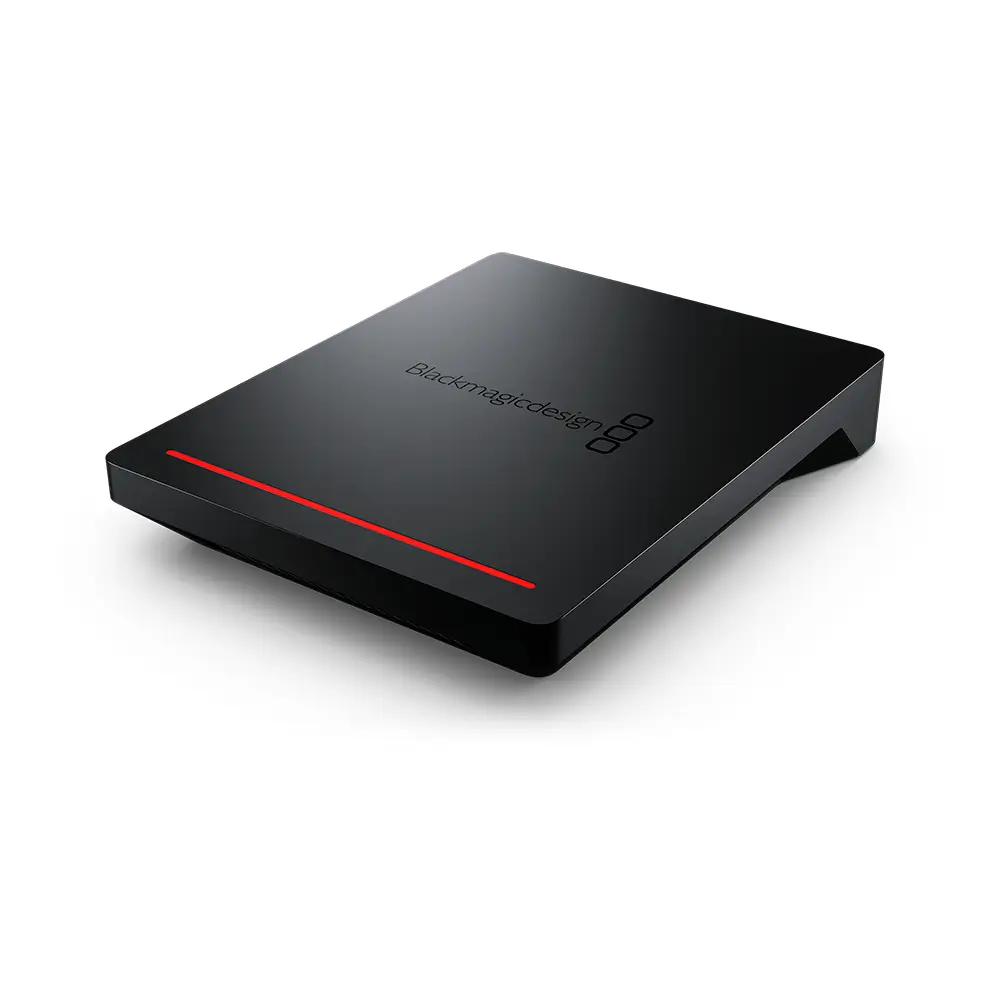
Turn virtually any USB Type-C disk into a network storage drive with the Cloud Pod from Blackmagic Design. The Cloud Pod can host two USB Type-C drives using its two 5 Gb/s USB Type-C ports, then provides network access using its 10GbE RJ45 port, which lets you share media with up to 50 simultaneous users on your network. Furthermore, Dropbox Live Sync lets you distribute files globally and syncs to your Cloud Pod automatically, while an HDMI monitoring output lets you keep track of your Cloud Pod’s status, including a storage map, speed graphics, sync, active users, and power status. Compatible with Windows and Mac, the Cloud Pod lets you work with broadcast-quality video in DaVinci Resolve. When paired with the proper storage media, 12K raw workflows are supported. Included is a universal power supply with international adapters.

Designed for Film and Television
Portable and Quiet Design
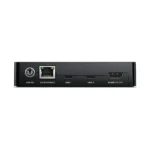
The Blackmagic Cloud Pod features an extremely small and thin design because it doesn’t have any internal storage. It’s also very quiet and very portable. It features two USB Type-C ports so it can host two separate USB disks on your network at the same time. The 10G Ethernet port means you get extremely high performance. There is also an HDMI monitoring output so you can watch a live graphic view of the storage operating on a TV or monitor. Along the front there is a status light that shows disk activity, so you know when the USB Type-C disk is being accessed. There’s also a DC power connection so you can use the included power supply, or run it from a battery when it’s used on location.
Live Sync to Dropbox
Distribute Files Globally
Real-Time Monitoring
| Weight | 0.96 kg |
|---|---|
| Dimensions | 28.7 × 17.78 × 5.33 cm |
| Connections | 10G Ethernet Ports 1 x Ethernet supports 100/1000/10G BASE-T USB-C Port 2 x USB 3.0 (up to 5Gb/s) for external storage. HDMI Monitor Outputs 1 Computer Interface Ethernet for shared file access, configuration and software updates. USB-C for configuration and software updates. |
| File Sharing Protocol | Protocol SMB Computer Connections 50 max. |
| Cloud Synchronization | Blackmagic Cloud |
| Storage | Storage Type Bring your own drive External Storage USB Disks External Storage Format ExFAT (Windows/Mac) or HFS+ (Mac) file systems. |
| Displays | HDMI Monitor Out Standards 1080p50, 1080p59.94, 1080p60 Monitor Out Displays Device Name, storage capacity and use, Cloud Sync status, User Activity, Hardware Status, storage map, network data rate graphs. Status Indicator Glow strip illuminates red during read or write operations. |
| Device Control | External Control USB-C or Ethernet for configuration and software updates. |
| Software | Software Included Blackmagic Cloud Setup Utility Blackmagic Proxy Generator Lite Internal software upgrade via Blackmagic Cloud Setup using USB-C port. |
| Operating Systems | Mac 14.3 Sonoma or later. Windows 10, 64-bit. Windows 11. |
| Power Requirements | Power Supply 1 x External 12V DC 60W power supply. Power Inputs 1 x 12V DC locking 5.5 mm barrel connector. Power Usage 25W without external USB disks. |
| What's Included | Blackmagic Cloud Pod Universal power supply with locking connector and international adapters Welcome wallet with QR code for software download. |
Related products
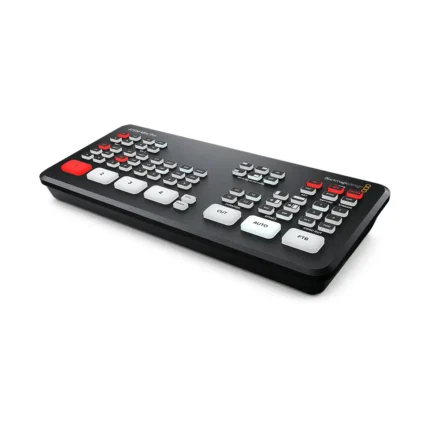
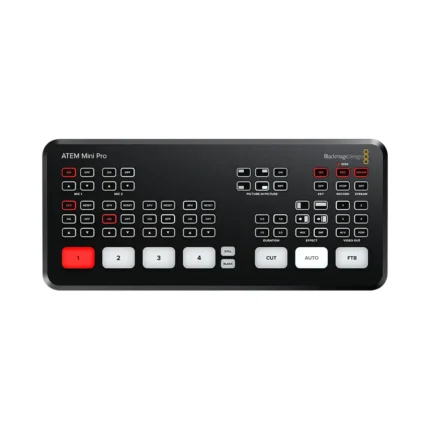
ATEM Mini Pro – HDMI Video Production Studio with Livestreaming
- Fast to set up and easy to use
- 4 standards-converted HDMI inputs
- USB webcam out and HDMI out
- Fairlight audio mixer with EQ and dynamics
- DVE for picture-in-picture (PIP)
- Transition effects and green screen chroma key
- 20-stills media pool for titles
- Free ATEM Software Control included
- Direct recording to USB flash disks in H.264 format
- Direct streaming via Ethernet to YouTube Live and more platforms
- Multiview display with:
- 4 cameras
- Media
- Preview and program
- Status of recording, streaming, and audio
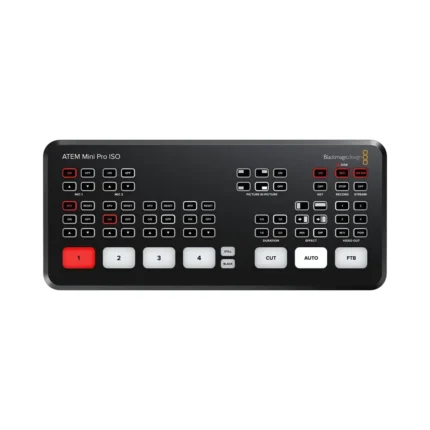
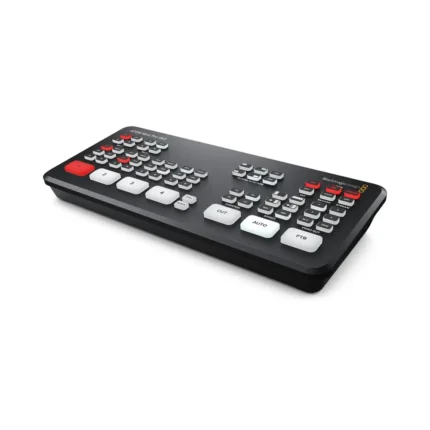
ATEM Mini Pro ISO – HDMI Video Production Studio with 5-stream Recording Engine
- 4-Channel Live Stream HDMI Switcher
- Program and 4 x Input ISO Recording
- Generates DaVinci Resolve Project
- Live Tally, Stream, and Record Status
- Record Button, Channel Preview Multiview
- 2-Channel Digital Audio Mixer per Source
- HDMI Output, Ethernet ATEM Control
- Media Player, Computer Input Support
- Upstream and Downstream Keyers
- DVE Transition, Chroma/Luma Keyers



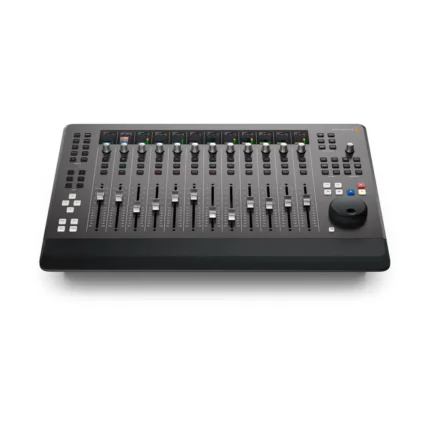
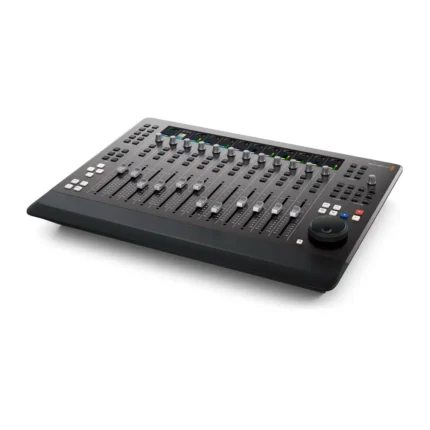
Fairlight Desktop Console
- 12 Touch-Sensitive Motorized Faders
- 12 Assignable Multifunction Pan Knobs
- 12 Informative High-Resolution LCDs
- Solo and Mute Buttons per Channel Strip
- Logical Navigation & Transport Controls
- Task-Based Controls
- Record and Edit Automaton
- Flexible Monitoring Controls
- External HDMI Monitoring
- Mac and Windows Compatible
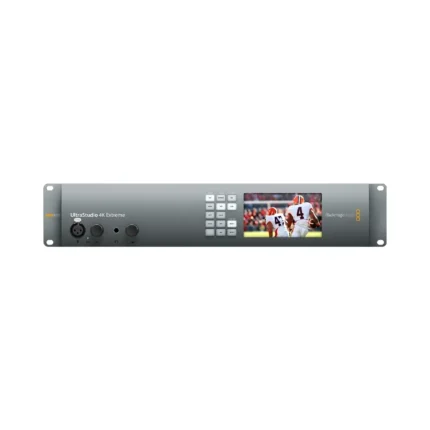
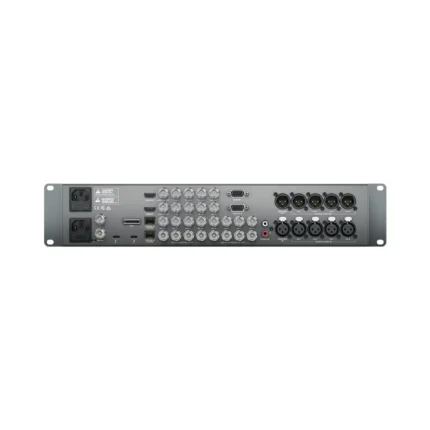
UltraStudio 4K Extreme 3 – Professional Capture and Playback
- 40 Gbps Thunderbolt 3 & PCIe I/O
- Advanced 4K 60p RGB/Stereoscopic Ingest
- 12G-SDI, HDMI 2.0, Analog Connections
- 4-Ch XLR and 2-Ch AES/EBU Audio
- Reference, Timecode, RS-422 Ports
- 4:4:4 Sampling
- Real-Time H.265 Encoding
- LCD Preview Screen
- Wide Mac/Windows Software Compatibility
- 2 RU Form Factor; Dual Built-In PSUs
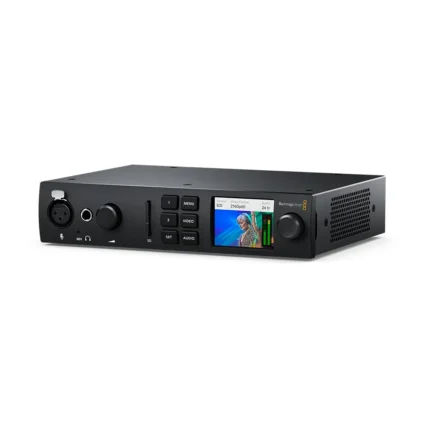
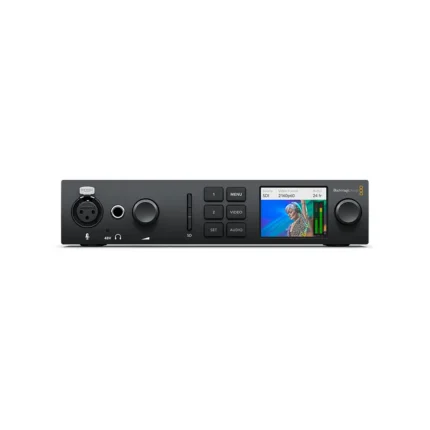
UltraStudio 4K Mini
- 12G-SDI & HDMI 2.0 Input/Output
- 1 x 40 Gb/s Thunderbolt 3 Interface
- 3" LCD Status/Preview Screen
- DCI 4K60 4:2:2 Single-Link 12G-SDI I/O
- DCI 4K30 4:4:4 Single-Link 12G-SDI I/O
- DCI4K60 4:4:4 via HDMI
- 8-, 10- & 12-Bit Processing
- 2K/HD/SD via SDI or HDMI
- RS-422 Deck Control
- macOS, Windows & Linux Compatible


UltraStudio Monitor 3G
- World's smallest 3G-SDI and HDMI video playback device for Thunderbolt 3 laptops and desktops.
- Supports broadcast-quality 10-bit SDI and HDMI monitoring.
- Compatible with popular editing software like DaVinci Resolve, Final Cut Pro, Media Composer, and Adobe Premiere Pro CC.
- Ideal for professional video playback and monitoring in post-production.
- Can be used with high-end broadcast graphics and titling systems for enhanced workflows.