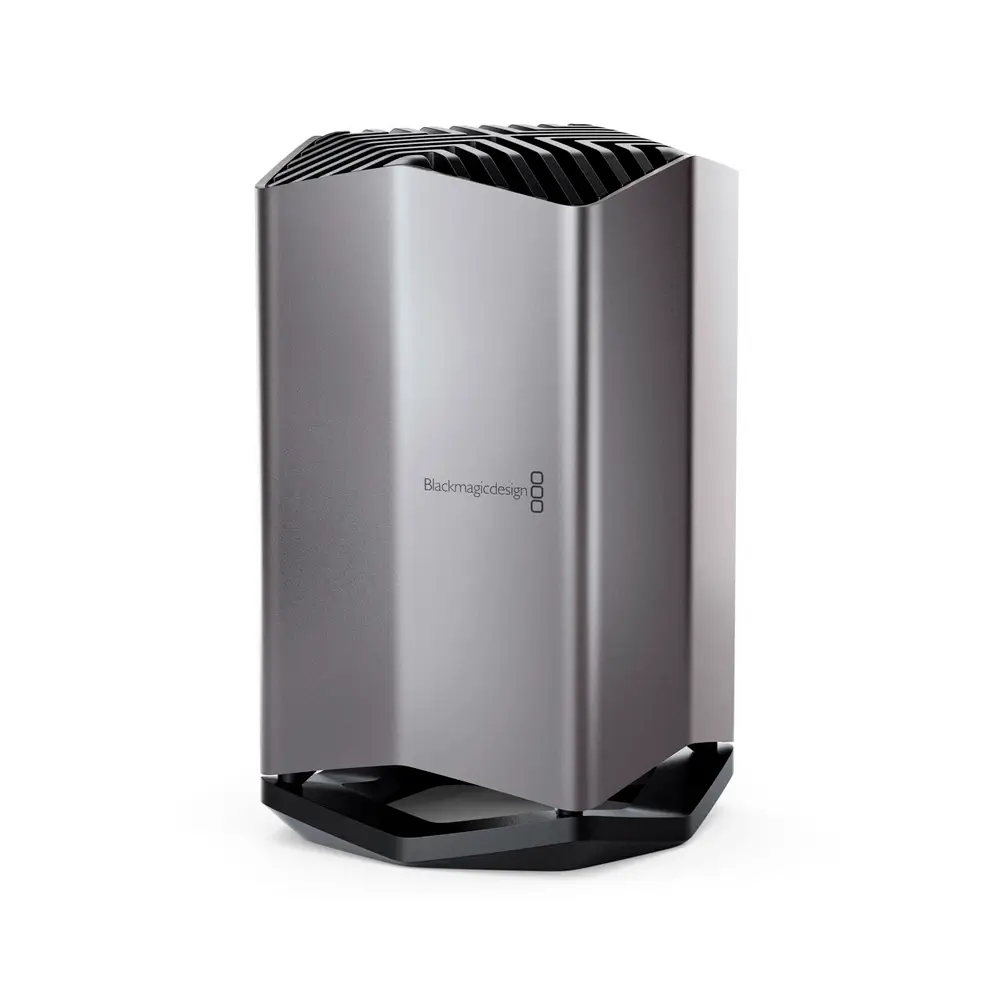

Blackmagic Design 80TB Cloud Store
112,479.00 Excl. VAT
- 80TB NVMe M.2 Flash Storage
- Configured as RAID 5
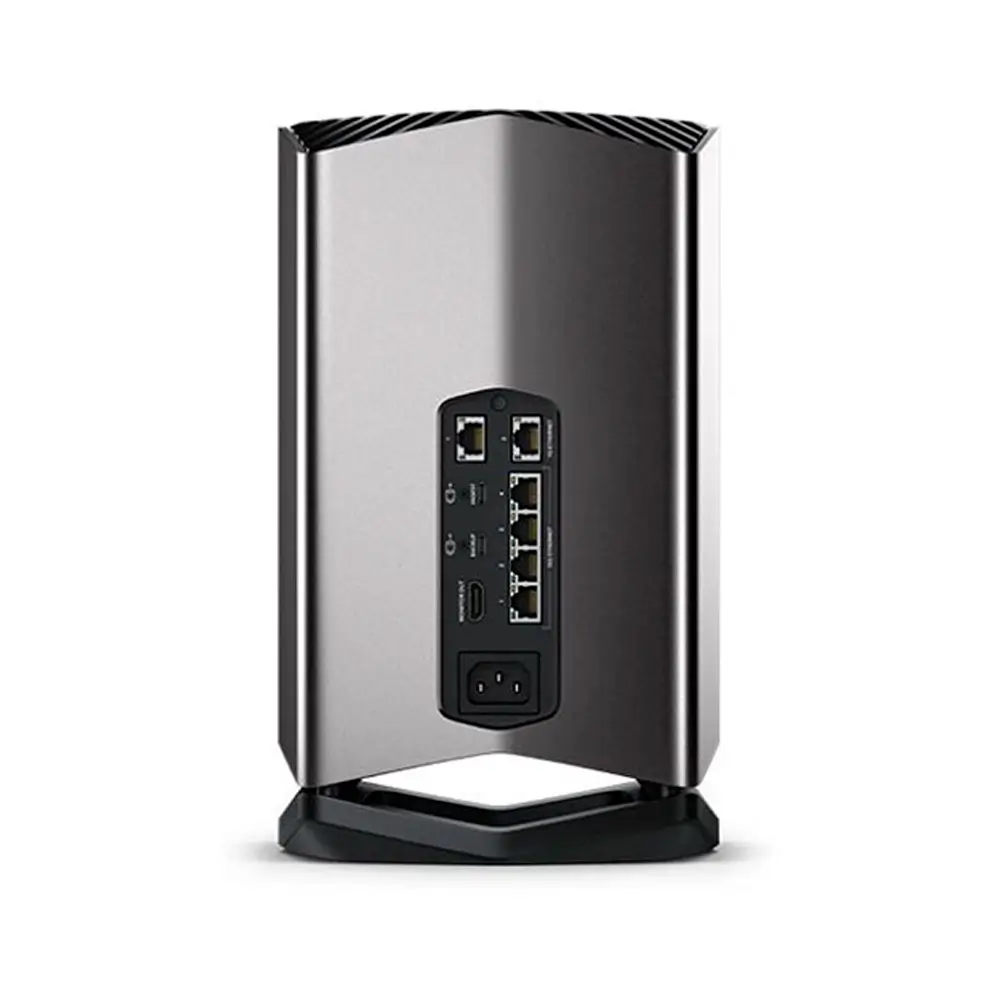
- 4 x 10Gb Ethernet Ports and Switch
- 2 x Gigabit Ethernet Ports
- 2 x USB Type-C Ports for Ingest & Backup
- USB Type-C Ports Also Support Ethernet
- HDMI Monitoring Output for Status
- Dropbox Sync Support
Out of stock
This product is currently sold out.
No worries! Enter your email, and we'll let you know as soon as it's back in stock.
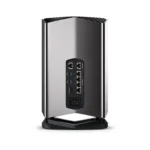
Designed for feature film productions, where large media files need to be shared between multiple users, the 80TB Cloud Store from Blackmagic Design is well suited for editing, color correction, audio, post, and VFX work. It has a capacity of 80TB, which is made up of multiple NVMe M.2 SSDs, which are preconfigured as RAID 5 and able to handle 12K Blackmagic raw digital cinema files. The Cloud Store is also equipped with four 10GbE ports, which can also function as a network switch, plus two Gigabit Ethernet ports. There are also two 5 Gb/s USB Type-C ports, one of which ingests content from an external drive, while the other backs up cloud data to a USB drive. Both USB Type-C ports also support Ethernet connectivity and an HDMI output that lets you keep track of your Cloud Store’s status, including a storage map, speed graphics, sync, active users, and power status.
Designed for Film and Television
The Blackmagic Cloud Store is the perfect network storage solution for any use! It's great for film and television where large media files need to be shared between multiple users for editing, color correction, audio, post, and VFX work. It even handles massive 12K Blackmagic raw digital cinema files. Each user gets zero latency and they don't need to store files on their local computer. It's the perfect solution for DaVinci Resolve, while Dropbox sync allows multiple disks to be synchronized in different locations globally. Then, each location gets the fastest editing experience possible, which is critical for multi-cam editing where multiple media files are playing simultaneously.
Portable and Quiet Design
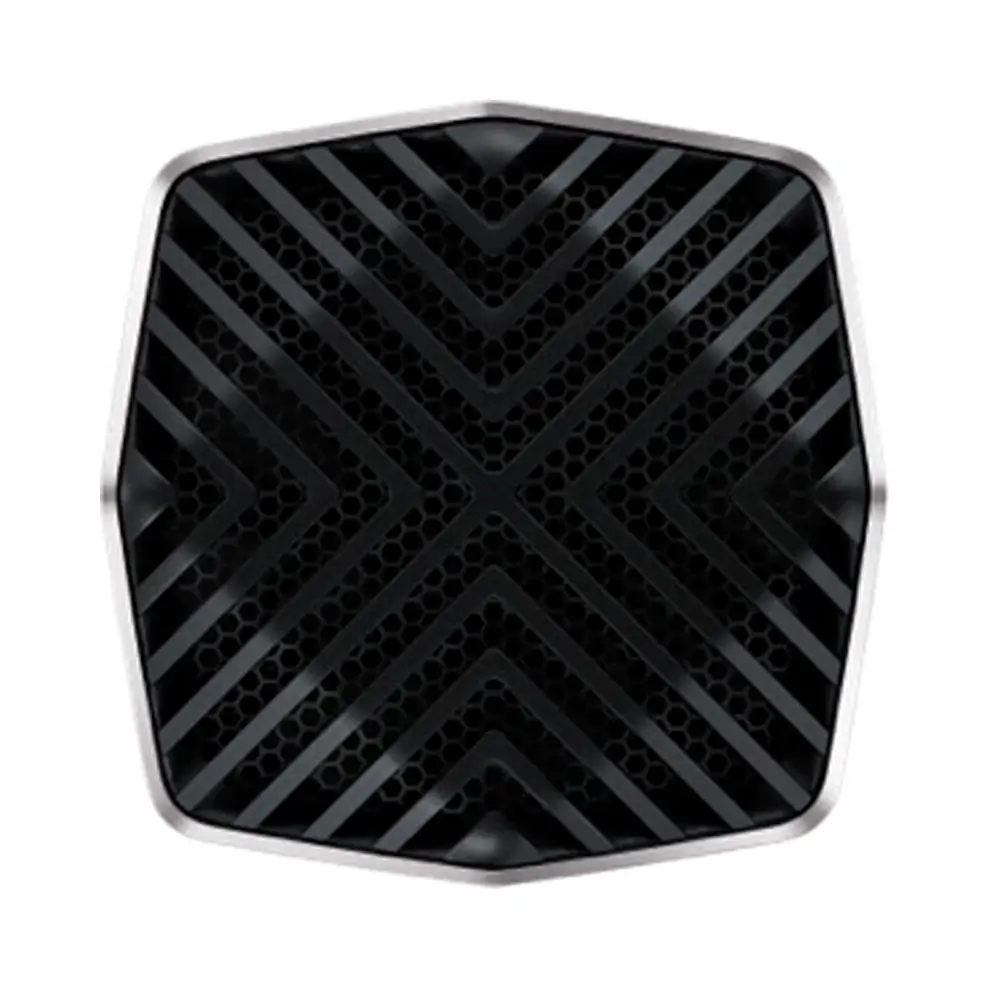
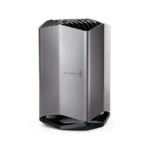
Unlike IT industry storage products that are rack mounted and have loud cooling fans, the Blackmagic Cloud Store has an elegant vertical design that's portable. It's also whisper quiet so it can be used on location. Internally, it has an array of flash memory cards working in parallel for speed and data protection. There are also two redundant power supplies. The four 10G Ethernet ports operate as a switch so you can connect four separate computers, or they work together using "link aggregation" for a massive 40G Ethernet speed. There is also an HDMI monitoring output so you can watch a live graphic view of the storage operating on a TV or monitor. It can even be maintained and repaired!
USB Type-C Ingest
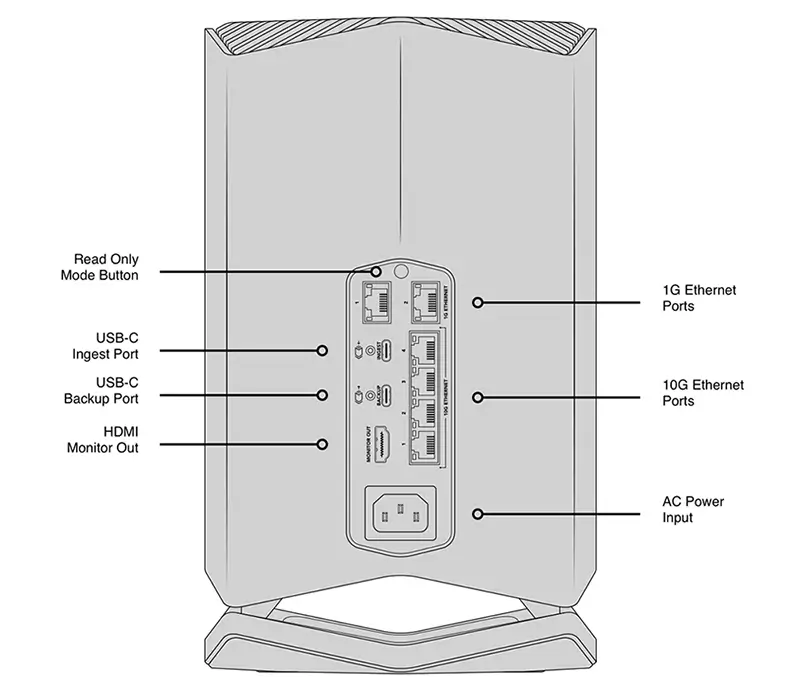
The USB Type-C ingest port will automatically load from any disk plugged in. It's fully automatic and you simply plug in a USB media dock or a USB disk. Ethernet-over-USB is also supported on this port.
USB Type-C Backup
This USB Type-C port will automatically backup cloud store files to any USB disk plugged into the port. It's a low cost way to protect your critical files. Ethernet-over-USB is also supported on this port.
HDMI Monitor Output
The HDMI monitor output lets you see the status of your Cloud Store in real time. Simply plug in a TV or monitor and you'll be able to see a storage map, speed graphics, active users, and power status.
1G Ethernet
The two 1G Ethernet connections are provided for slower connections, such as the internet or slower computers. They are part of the built- in Ethernet switch and help keep the faster 10G ports free.
10G Ethernet
The 10G Ethernet ports allow four separate computers to be connected. That's great for mobile use, as the 10G Ethernet switch is built in. Plus, all four connections can work together as a 40G Ethernet link.
AC Power
A standard IEC power socket is used for connecting AC power. All international AC voltages are supported, so you can use it globally. Plus, there are two internal power supplies allowing full redundancy.
Flash Memory Allows for Multiple Simultaneous Users
The Blackmagic Cloud Store is available with 80TB of flash memory, so you have lots of space for your business files and video media. With video as the standard for information delivery in business, that's enough capacity to store all your media in a single location on your network. M.2 flash memory cards are used for extreme reliability, high access speeds, and zero seek times. Plus, the M.2 cards are arranged in parallel RAID 5 groups so they can operate much faster than a single card. That ensures massive speed combined with fault tolerance. If a faulty M.2 card is detected, the Cloud Store will automatically enter read only, so you can still access your files.
10G Speed - High Performance for Digital Film Files
With four separate very high speed 10G Ethernet connections, the Blackmagic Cloud Store is extremely fast. The internal memory core has been designed to saturate all four 10G Ethernet ports to their theoretical maximum speed, all at the same time. Plus, file access has very low latency times, so responsiveness is fast, thanks to the massive parallel processing used by the memory core. At maximum speed, the Blackmagic Cloud Store is extremely quiet with very little noise from the cooling fan, even when editing large 12K digital raw files. Multi-cam editing is also incredibly smooth, even if it's used with massive digital film camera files.
Sync to Dropbox
Now you can set up a local cache of your Dropbox files. This makes working much faster because files are instantly available without needing to be downloaded from the internet. The Blackmagic Cloud Store will constantly work to stay in sync. You can save space on your computer by moving cached Dropbox files to the Blackmagic Cloud Store so everyone on your network can share them. You can even sync multiple Blackmagic Cloud Stores via Dropbox so people in different geographic locations can collaborate without latency because everyone has a local copy of the files. That makes it a good home or offsite solution.
Add Cloud Service
Make sure your Blackmagic Cloud Store is connected to the internet. Enter in your Dropbox account details, so the Cloud Store can gain access to allow sync.
Set Sync Folders
Next you need to set the sync folders. That tells the Blackmagic Cloud Store where to sync its files to the remote Dropbox. You can have multiple sync folders for different jobs.
Set Sync Direction
Now set the sync direction. One direction is good when you have local files you want to share, but not enough room for everyone's files. Both directions means everyone gets the same set of files.
Distribute Files Globally
Real-Time Monitoring
Usage Indicator
On the top left, you can see the storage capacity indicator. The number on the left is the space used and the number on the right is the total USB Type-C disk capacity connected to the Blackmagic Cloud Store.
Cloud Store Name
You can give a custom name to the Blackmagic Cloud Store so you can identify it on the monitor display and the utility software. To change the name, just use the Blackmagic Cloud Store utility.
Storage Map
The storage map display shows a view of the two USB Type-C disks. The memory is divided into segments with reads in cyan and writes in orange. The display will automatically adapt when disks are connected.
Cloud Sync Status
The cloud sync status shows each sync folder and its transfers to and from Dropbox. When new files appear in any sync folder, you can see the transfer status as they sync.
User Connections
You can see each of the connected users and the data transfers for each. However, this list will move down if you have more cloud sync folders, as the sync folder status is more important.
Cloud Store Status
You also get hardware status on the lower left side of the display. This includes the cell size for the storage map and the status of the USB Type-C ports and each disk that is currently connected.
Speed Graphs
The lower part of the display has the data-transfer speed graph. It shows recent read and write speeds for the 10G Ethernet connection. It's great for diagnosing the Ethernet speed on the port.
Redundant Design for Mission Critical Use
Repairable Design for Long Life
High Performance 10G Ethernet Switch
Connect via USB Type-C for Quick File Access
Supports Local Backup and Ingest via USB Type-C Disks
No Subscription Costs
Perfect Multi-Camera Video Production
| Weight | 7.73 kg |
|---|---|
| Dimensions | 43.94 × 26.67 × 26.16 cm |
| Storage Capacity: | 80 TB |
| Included Drives: | 1x 80 TB SSD |
| RAID: | Yes: Supported RAID Modes: 5 |
| Inputs/Outputs: | 4x RJ45 10GbE Input 2x RJ45 Gigabit Ethernet Input 1x USB-C 3.0 / 3.1/3.2 Gen 1 Input 1x USB-C 3.0 / 3.1/3.2 Gen 1 Output 1x HDMI Output |
| Link Aggregation and Failover Support: | Yes |
| OS Compatibility: | Windows 10 to 11 macOS 11.1 or Later |
| Mobile App Compatible: | Yes: Android & iOS |
| Operating Conditions: | 32 to 104°F / 0 to 40°C up to90% Humidity |
| Storage Conditions: | -4 to 140°F / -20 to 60°C |
Related products
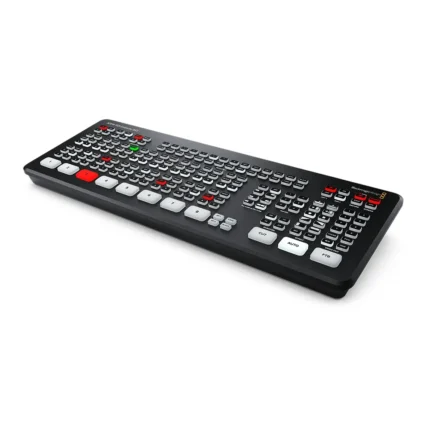
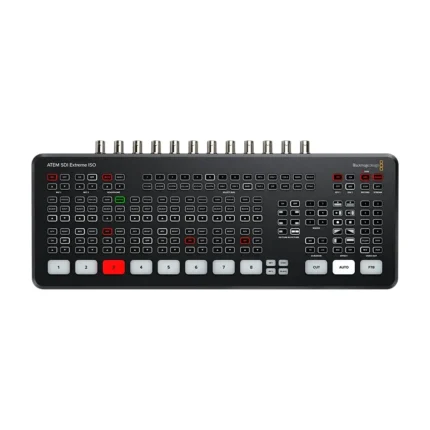
ATEM SDI Extreme ISO – Video Production Studio with 9-stream Recording Engine
- 8-Channel 3G-SDI Live Streaming Switcher
- Supports up to 1080p60
- RTMP Streaming via Ethernet or USB-C
- Record Program Out and Individual Inputs
- 11-Input, 2-Channel Audio Mixer
- Input Frame Rate and Format Converter
- Re-Sync on All 3G-SDI Inputs
- HD Multiview Output with up to 16 Views
- Local and Software Switching
- 4 x Upstream, 2 x Downstream Keyers
Blackmagic Cloud Dock 2
Blackmagic Cloud Pod
Blackmagic Cloud Store 20TB
Blackmagic Design DeckLink Mini Monitor 4K – 4-channel 3G-SDI Video Card
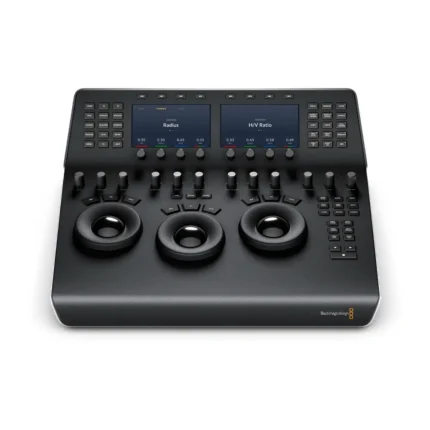
DaVinci Resolve Micro Color Panel
DaVinci Resolve Replay Editor
DaVinci Resolve Speed Editor
- Compact Design: Travel-friendly size makes it easy to take on location.
- Bundled Software: Includes a license for DaVinci Resolve Studio.
- Efficient Navigation: Dedicated push buttons for edit modes, timeline navigation, and effects.
- Search Dial: Metal jog wheel for precise footage navigation and trimming.
- Wireless Connectivity: Built-in battery allows for Bluetooth use; optional USB Type-C for charging and wired connection.
- Enhanced Workflow: Streamlines editing tasks, allowing you to work faster and more intuitively.