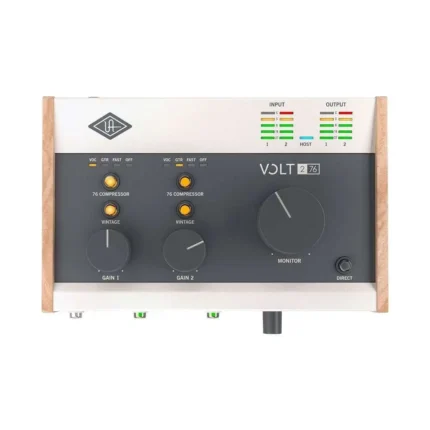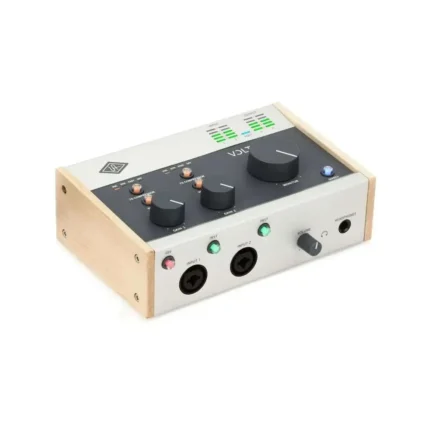
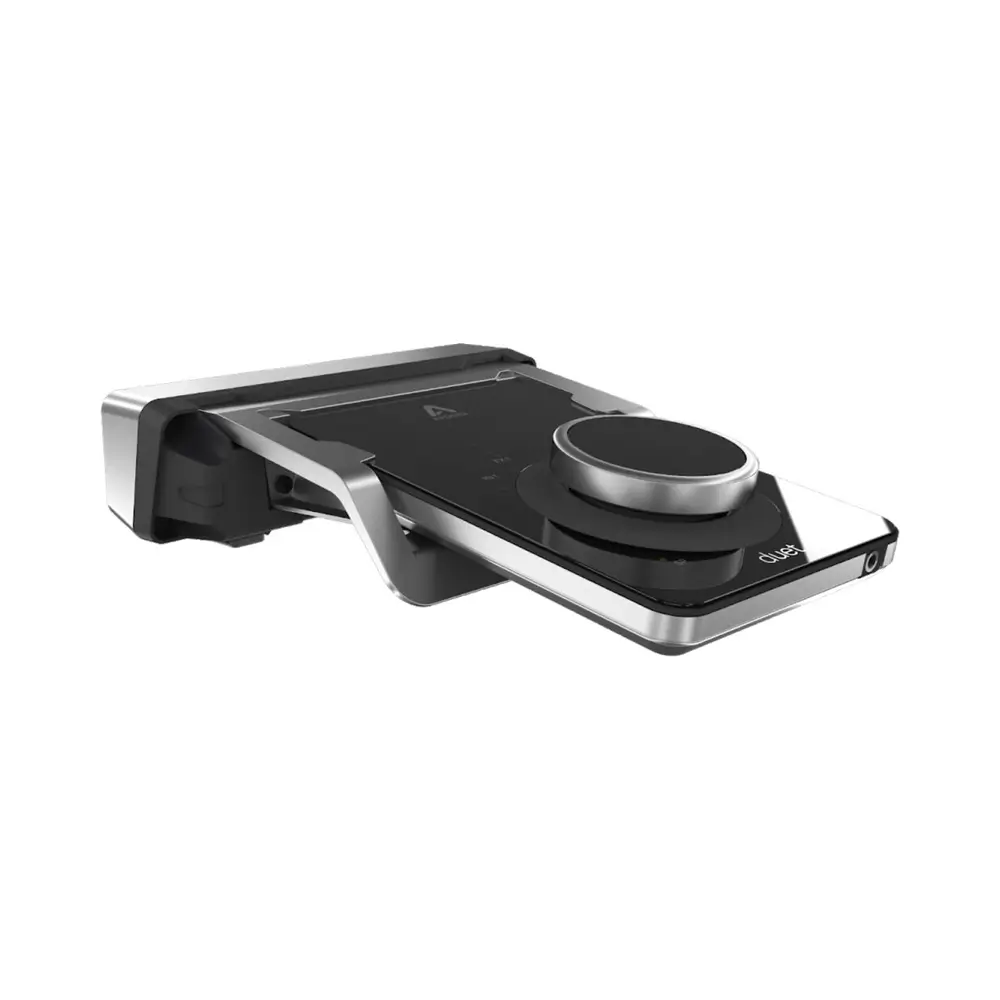
Apogee Electronics Duet 3 Dock for Apogee Duet 3
665.00 Excl. VAT
- Desktop dock for Apogee’s Duet 3 USB-C audio interface
- Positions your Duet 3 at the perfect angle for adjustments and meter visibility
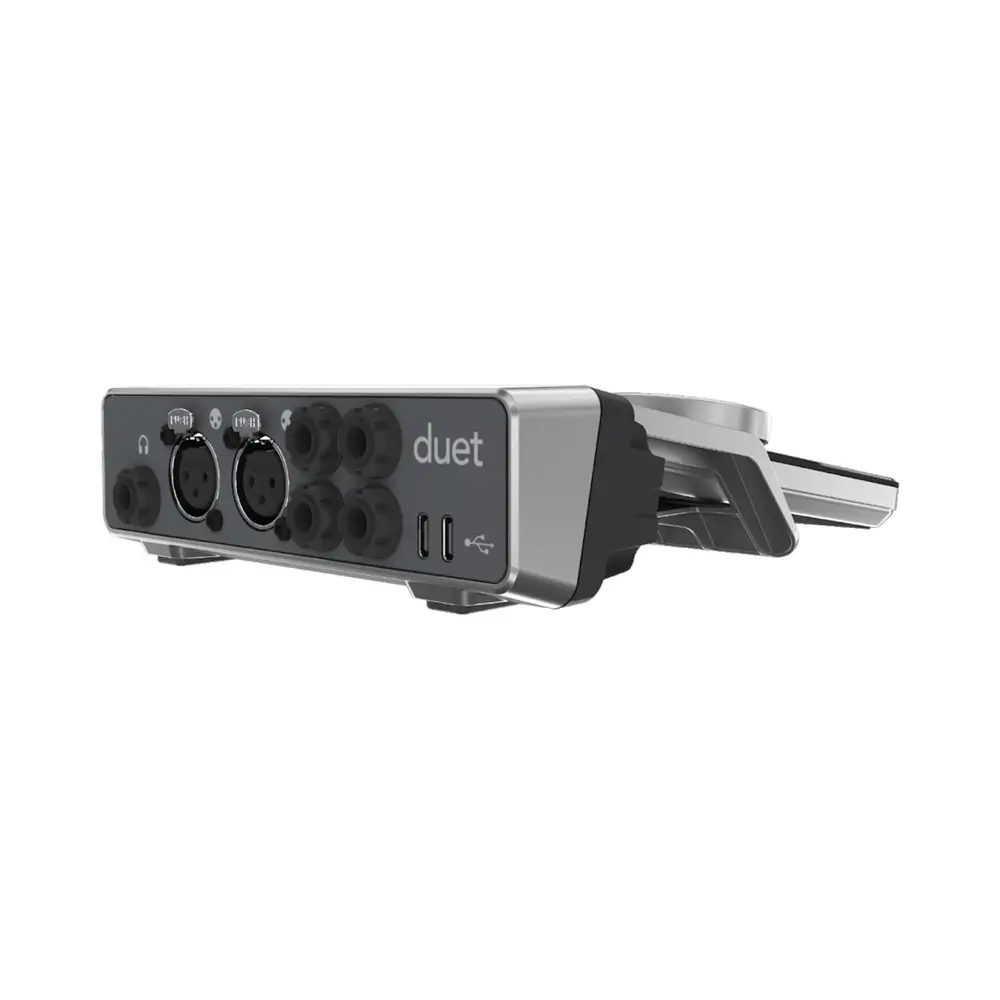
- Rear-panel connectors make cable organization easy
- Stereo headphone output: 6.3 mm TRS jack
- 2 Audio inputs for microphones and line signals (XLR) or instruments (6.3 mm TS jack)
- Stereo line output: 2x 6.3 mm TRS jacks
Available on backorder
Ideal complement for Apogee Duet 3
For the ultimate ergonomic desktop experience, pair your Duet 3 with a Duet Dock. The Duet Dock not only positions your interface at the perfect angle for easy adjustments and effortless meter visibility, but its rear-panel connectors also make cable organization a piece of cake — no more spaghetti-like tangles! With the Apogee Duet Dock, you’ll be able to take your Duet 3 experience to the highest level.
The Apogee Duet 3 comes with a breakout cable as standard. With frequent use, it is often only a matter of time before a cable break occurs at one point. The Docking Station Dock for the Duet 3 Inteface is the solution. Two balanced XLR, two unbalanced instrument inputs and two 6.3 jack outputs provide order and clarity. In addition, the power supply can also be optionally managed via the USB-C port. Last but not least, thanks to the headphone output, nothing stands in the way of direct monitoring.
| Weight | 0.44 kg |
|---|---|
| Dimensions | 2.49 × 19.81 × 19.81 cm |
| A/D Resolution: |
24-bit/192kHz |
| Analog Inputs: |
2 x 1/4" (instrument), 2 x XLR (mic/line) |
| Analog Outputs: |
2 x 1/4" |
| Simultaneous I/O: |
2 x 4 |
| Type: |
Dock for Apogee Duet 3 |
| Form Factor: : |
Desktop |
| Connectivity: |
USB 2.0 |
| Headphones: |
1 x 1/4" (stereo) |
| Power Supply |
USB bus powered |
| Number of Preamps |
2 x mic, 1 x instrument |
Related products
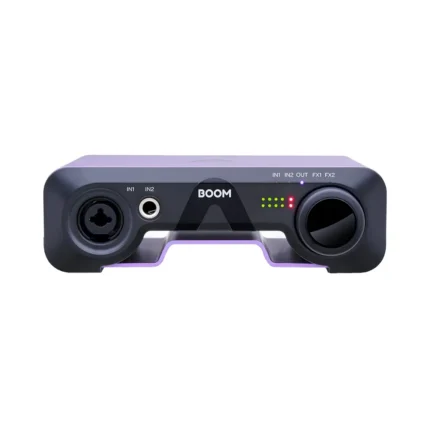
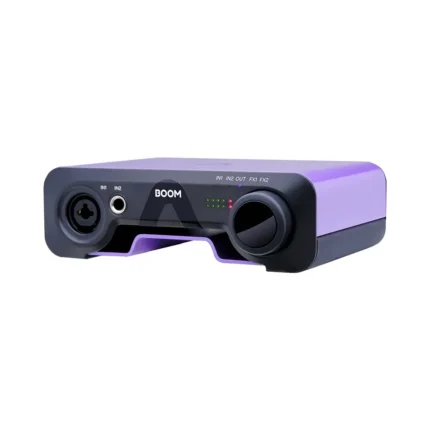
Apogee Electronics BOOM 2×2 USB-C Audio Interface
Apogee Electronics Control Hardware Remote
- Hardware Remote Control for Apogee Interfaces
- Enjoy the convenience and confidence of hardware control
- Includes 8 buttons and 1 large knob
- Save several button configurations as presets to quickly swap between disparate settings
- Up to 4 Controls can be used simultaneously, all with independent preset settings
- LCD keeps you informed of your settings' status
Apogee Electronics Groove USB DAC and Headphone Amp
- D/A Converter and Headphone Amplifier for Mac/PC/iOS
- ESS Sabre DAC
- Constant Current Drive™ provides smooth frequency response with any headphones
- Quad Sum DAC™, 4 DACs per channel for highest dynamic range and lowest distortion
- Asynchronous clocking
- THD+N: -107 dB with 600 Ohm load @ 16 dBu
- THD+N: -100 dB with 30 Ohm load @ 10.5 dBu
Apogee Electronics JAM X Instrument Interface
- 1-in/2-out USB Audio Interface with 24-bit/96kHz Resolution
- Apogee’s PureDIGITAL connection for pristine sound quality
- Built-in Analog Compressor with 3 Presets: Smooth Leveler, Purple Squeeze, and Vintage Blue Stomp
- Up to 24-bit / 96 kHz recording
- Works with guitar, bass, keyboards, synths, & more.
- 1 x 1/4″ Instrument Input
- 1 x 1/8″ output connects to headphones or powered speakers
Apogee Electronics MiC Plus USB Cardioid Condenser Microphone
- USB Cardioid Microphone with Mini Tripod, Mic Stand Adapter & Adapter Cables
- Professional cardioid condenser microphone capsule
- Powerful headphone output with Blend feature for zero latency monitoring
- PureDIGITAL connection for pristine sound quality up to 24-bit/96kHz
- Premium accessories kit includes tripod, and mic stand mount
- Ideal for voice and acoustic instrument recording
- No configuration required
Apogee Electronics Symphony Desktop 10×14 USB-C Audio Interface
- 10-in/14-out USB-C Audio Interface with 24-bit/192kHz Symphony AD/DA
- Symphony AD/DA conversion sound quality at up to 24-bit/192kHz
- 2 mic preamps with Advanced Stepped Gain
- Variable impedance settings on both mic and instrument inputs
- Alloy Mic Preamp emulation employs analog circuitry and digital processing
- Run Apogee FX plug-ins (sold separately) via built-in DSP or natively within your DAW
- Native, Print, and DualPath modes